EasyManua.ls Logo

Pioneer V050-PPI-01 - User Manual

Pioneer V050-PPI-01
112 pages
Print Icon
To Next Page IconTo Next Page
Loading...
pioneerpump.com
ENGLISHEN
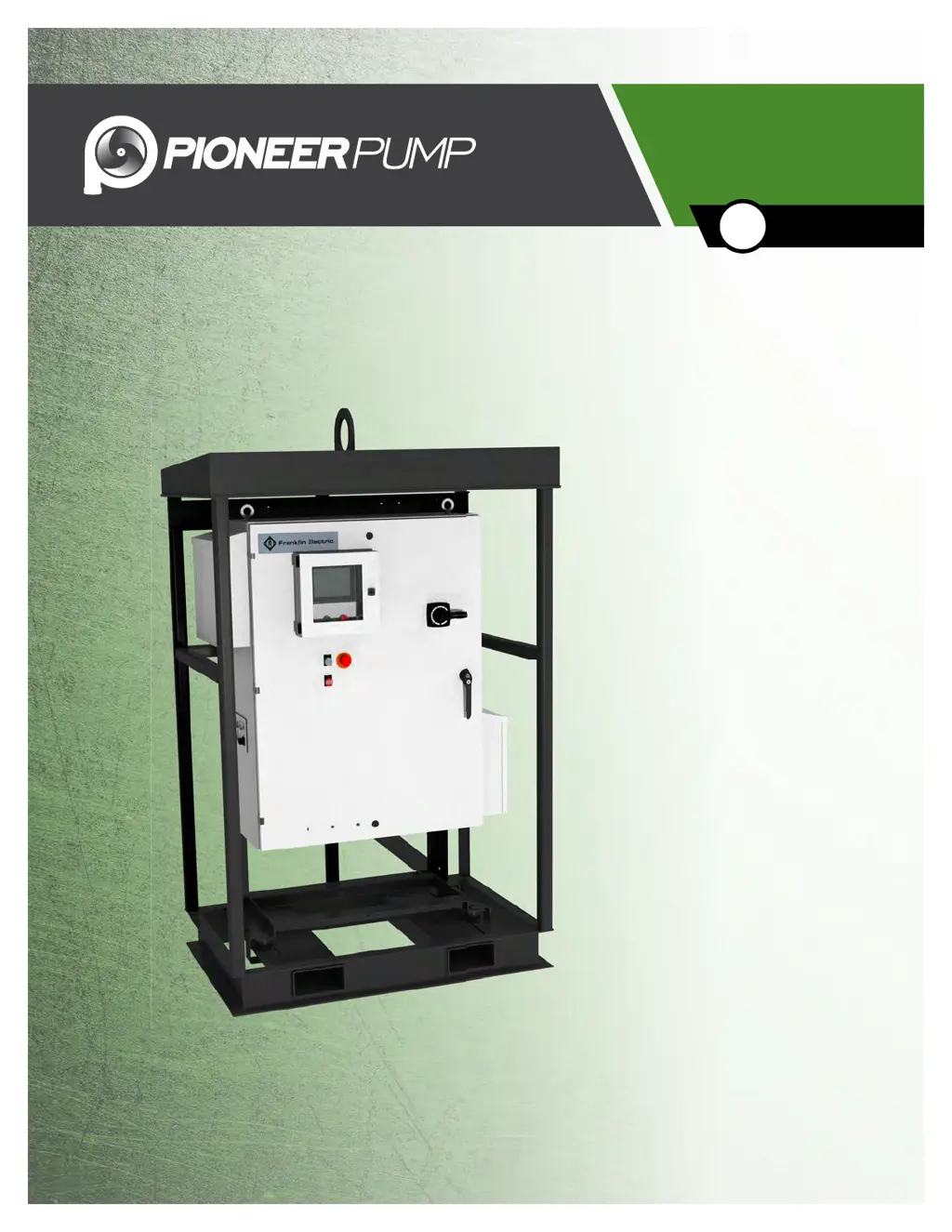
ElectricPAK VFD with SmartPrime
Owner’s Manual

Table of Contents

Questions and Answers

Summary

PRODUCT INFORMATION

Description

Overview of the ElectricPAK™ VFD package, its features, and benefits.

Specifications

Technical details including model numbers, horsepower ratings, and weight.

UNPACKING & INSPECTION

Transportation and Storage

Guidelines for safe transport and optimal storage conditions for the VFD.

Unpacking and Lifting

Procedures for safely unpacking and lifting the pump package.

INSTALLATION

Environmental Requirements

Specifies required ambient temperature, humidity, location, and altitude.

Physical Installation

Steps for properly mounting and positioning the pump package on a level surface.

Electrical Installation

Instructions for safe wiring of power, data, and ground connections.

Motor Rotation

Procedure to ensure correct motor rotation direction for the pump.

DRIVE CONFIGURATION

Home Screen Navigation

Guide to navigating the main SmartPrime touchscreen interface and its icons.

Changing Date & Time

Instructions for setting the system's date and time via the touchscreen.

Motor Configuration

Steps to configure motor parameters using the ElectricPAK™ identifier code.

Non-ElectricPAK Motor Setup

Procedure for manually entering motor parameters for non-ElectricPAK™ motors.

Sensor Setup

Instructions for configuring analog sensor inputs for pump control.

Auto Mode Settings

Configure pump behavior and control sources for automatic operation modes.

Float Control Configuration

Setup for controlling the pump using single or dual float switches.

Transducer Application Setup

Initial setup for connecting and configuring control transducers to analog inputs.

Level Transducer Control Configuration

Specific configuration for level transducer-based pump control in Auto Mode.

Discharge Pressure Transducer Configuration

Configuration for pump control based on discharge pressure transducer input.

Advanced Settings

Access and modify advanced operational parameters like PID and timing settings.

Changing Advanced Settings Password

Procedure to change the password for accessing advanced settings.

OPERATION

Manual Mode

Control the pump manually using the door-mounted dial or touchscreen interface.

Auto Mode

Automatic pump control via float switches or analog sensors.

Hand Mode Operation

Operate the pump manually using the touchscreen in Hand mode.

Sensor Status

View current readings from connected sensors and their status.

Data Logs

Access recorded data logs for sensors, current, voltage, RPM, and temperature.

Alarms Screen

View active and past alarm codes, messages, and acknowledgement times.

Help Screen

Access product documentation QR code and technical support phone number.

MAINTENANCE

Periodic Maintenance

Routine checks and servicing for optimal equipment performance and longevity.

Air Filter Replacement

Guide for inspecting, cleaning, and replacing the VFD's air filters.

SD Card Data & Alarm Log Download

Steps to download data and alarm logs from the SD card to a computer.

Troubleshooting

Solutions for common problems, probable causes, and corrective actions.

ADVANCED SETTINGS REFERENCE

Parameter Descriptions

Detailed explanation of advanced parameters, their function, and default values.

Pioneer V050-PPI-01 Specifications

General IconGeneral
BrandPioneer
ModelV050-PPI-01
CategoryWater Pump
LanguageEnglish

Related product manuals