
 Need help?
Do you have a question about the Pioneer VSX-RS320-k and is the answer not in the manual?
Essential cautions regarding electrical hazards to prevent shock or fire.
Guidelines on preventing fire hazards, ensuring proper ventilation, and protecting the unit from moisture.
Guides through the initial steps of setting up the receiver, including connections.
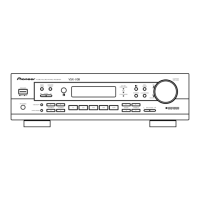
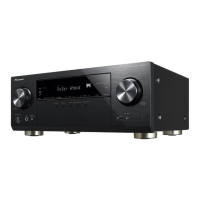
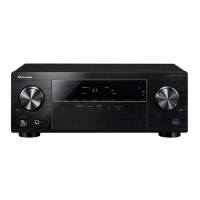
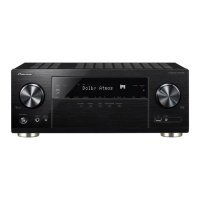
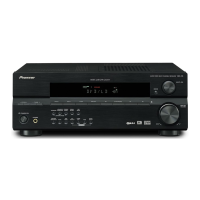
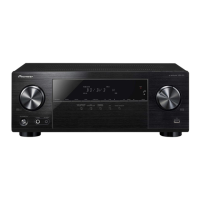
Details the receiver's front panel layout, buttons, and dials.
Guides on optimal speaker placement and the process of connecting speakers to the receiver.
Guides through the fundamental steps for playing sources and selecting input signals.
Details how to manually configure speaker size, number, distance, and levels.
Provides solutions for common operational problems like power, sound, and image issues.
Addresses problems with radio, playback disturbances, remote control, and HDMI connectivity.
 General
| Channels | 5.1 |
|---|---|
| HDMI Inputs | 4 |
| HDMI Outputs | 1 |
| Audio Return Channel (ARC) | Yes |
| DAC | 192 kHz/24-bit |
| AM/FM Tuner | Yes |
| Frequency Response | 10 Hz - 100 kHz |
| Input Sensitivity | 200 mV |
| Ethernet Port | No |
| Wi-Fi | No |
| Dolby Audio | Dolby TrueHD, Dolby Digital Plus |
| DTS Audio | DTS-HD Master Audio |
| Bluetooth | Yes |
| Total Harmonic Distortion | 0.08% |
| Signal-to-Noise Ratio | 98dB |
| Video Inputs | Composite |
| Video Outputs | Composite |
| Audio Inputs | Digital Optical, Digital Coaxial |
| USB Port | Yes |



 To Next Page