EasyManua.ls Logo

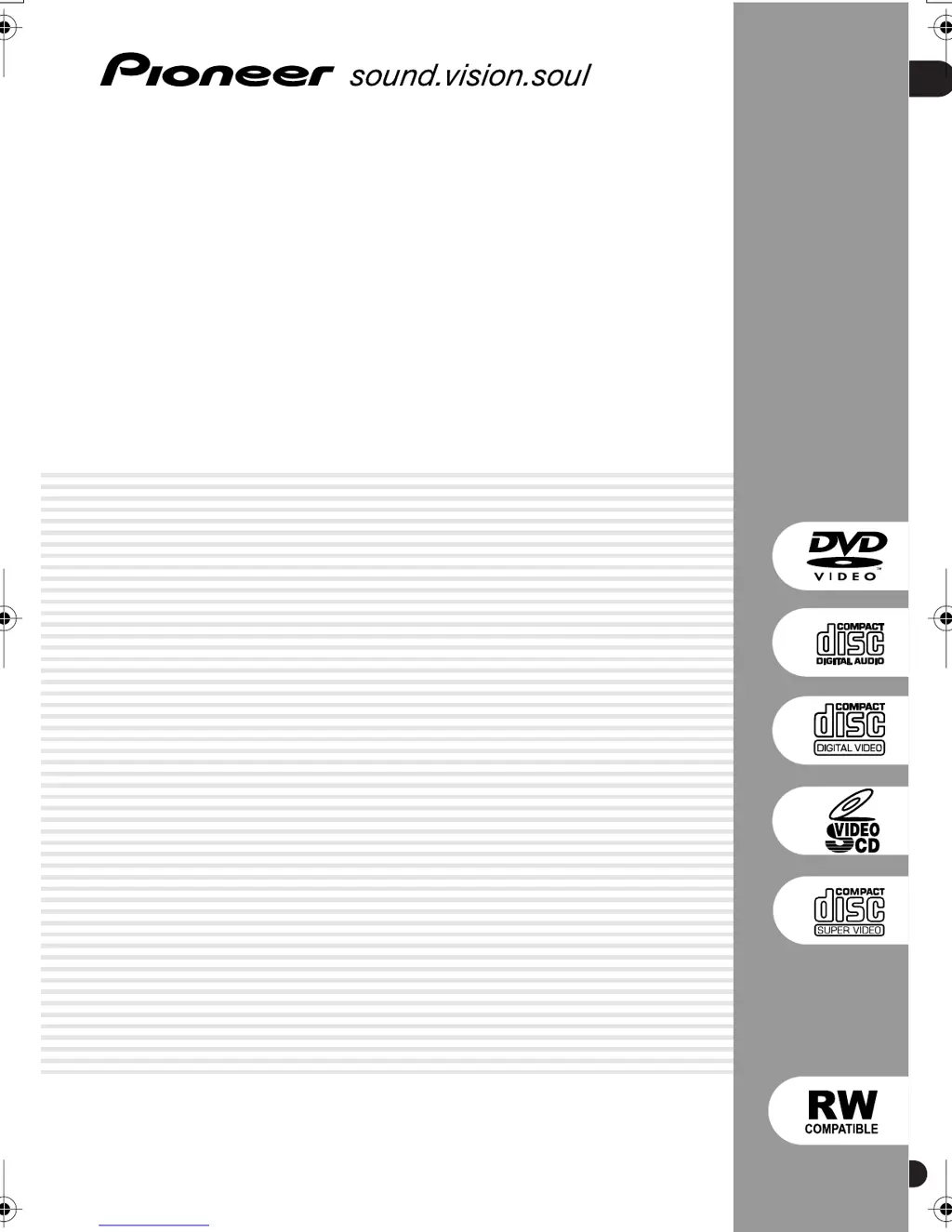
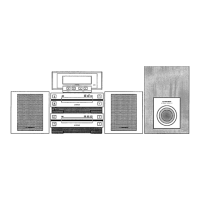
Pioneer XV-HTD7 - User Manual

Pioneer XV-HTD7
92 pages
Print Icon
To Next Page IconTo Next Page
Loading...
01
1
En
DVD/CD Receiver
XV-HTD7
Speaker System
S-HTD7
Operating Instructions
XV-HDT7.book 1 ページ 2003年5月12日 月曜日 午後7時56分

Table of Contents

Other manuals for Pioneer XV-HTD7

Questions and Answers

  • S
    Sabrina LuceroJul 31, 2025
    How to fix a Pioneer Car Receiver that cannot be turned on?
    • R
      Robin SchmidtJul 31, 2025
      If your Pioneer Car Receiver cannot be turned on, there are several potential causes. First, the microcomputer may not have been reset. Check that the level of the terminal XRESET (Pin 8) is "H," and if it isn't, inspect the RESET circuit. Second, the AC pulse may not be input; verify that the AC pulse is input to Pin 4 of the AC input terminal, and if not, check the AC pulse generation circuit. Finally, the oscillation circuit of the microcomputer might not be functioning. If this is the case, the microcomputer or the oscillation circuit is likely broken and needs to be replaced.
  • A
    acostakevinAug 10, 2025
    What to do if all operation keys are disabled on my Pioneer XV-HTD7 Car Receiver?
    • M
      Mrs. Denise RogersAug 10, 2025
      If all operation keys on your Pioneer Car Receiver are disabled, it might be recognizing a key as already pressed. To resolve this, verify that no operation key is physically stuck. Then, check the voltage at Pins 18 and 19 of the KEY input terminal. If the voltage isn't 5 V, the operation switch on the line may be faulty.
  • D
    Dr. Steven RodriguezAug 20, 2025
    What to do if DVD does not operate at all on Pioneer XV-HTD7?
    • O
      ohintonAug 20, 2025
      If the DVD on your Pioneer Car Receiver isn't operating, first check that the terminals (Pins 23-25, 29, and 30) for communication with the DVD microcomputer are live. Also, check if an "H" signal is output to Pin 93 of the XDVDRST terminal. If the terminals are not live, verify that the flexible cable is properly connected.

Summary

Safety and Installation Precautions

Electrical Shock and Fire Hazards

Covers lightning flash symbol, 'DO NOT OPEN' caution, no naked flames, and water exposure warnings.

Ventilation Requirements

Details the required space around the unit for heat dissipation.

Speaker Terminal Voltage Warning

Warns about hazardous voltage when connecting speaker terminals.

Pre-Operation Checks and Setup

Voltage and Power Connection Safety

Covers pre-connection voltage checks and standby/unplugging safety.

Line Voltage Selector Guide

Explains how to set the voltage selector switch for different regions.

Understanding Product Features

Audio and Video Capabilities

Details DAC, Super VCD support, Dolby/DTS, and progressive scan features.

Package Contents and Remote Setup

System Components List

Lists items included in the main system and speaker boxes.

Remote Control Battery Installation

Guides on correctly inserting batteries into the remote control.

Remote Control and Disc Compatibility

Remote Control Operation Guidelines

Explains how to use the remote control effectively for optimal operation.

Advanced Disc Format Compatibility

DVD-R;RW and CD-R;RW Playback Notes

Explains compatibility nuances and limitations for recorded discs.

File Format Compatibility

Compressed Audio (MP3;WMA) Support

Details compatibility with MP3 and WMA files, including bit rates and file naming.

JPEG Image File Support

Explains support for JPEG files, resolution, and file naming conventions.

Speaker Connection Guide

Connecting Speaker Cables

Illustrates how to connect speakers using color-coded cables.

System Unit Speaker Terminals

Shows the rear panel connections for speakers.

Speaker Setup and Placement

Connecting Speaker Terminals

Details how to connect wires to terminals and potential hazards.

Speaker Placement Recommendations

Provides guidelines for optimal surround sound positioning.

Advanced Speaker Installation

Speaker Placement Details

Covers surround and center speaker positioning, and magnetic shielding.

Connecting to Your Television

Composite Video Connection

Explains using the supplied VIDEO OUT cable to connect to the TV.

S-Video Connection for Enhanced Quality

Details using an S-video cable for a better quality picture.

Advanced Video and Audio Connections

Component Video Connection

Explains using component video for best picture quality.

Antenna Connections

Assembling the AM Loop Antenna

Provides steps for setting up the AM loop antenna.

Connecting the AM Loop Antenna

Explains how to connect the AM antenna wires.

System Power and FM Antenna Setup

Connecting the Power Cable

Explains how to plug in the system unit to a power outlet.

Front Panel Controls Overview

Power and Source Selection Buttons

Describes STANDBY/ON, DVD/CD, TUNER, TV/L1/L2 buttons.

Playback and Navigation Buttons

Details STOP, PLAY/PAUSE, DIRECT PLAY, and DISC SKIP buttons.

Remote Control Functions Overview

Power, Disc Access, and Source Selection

Explains STANDBY/ON, OPEN/CLOSE, and source select buttons.

Advanced Remote Control Functions

Remote Playback and Navigation Controls

Details playback buttons like PLAY, PAUSE, STOP, SCAN, SKIP, FOLDER.

Initial System Power-On and TV Setup

Powering On the System

Instructions for turning the system on via remote or front panel.

Selecting TV Screen Aspect Ratio

Guides users to choose between widescreen and standard TV settings.

Initial Setup Completion and Clock Setting

Setting the System Clock

Details how to set the clock for timer functions.

Room Setup and OSD Navigation

Configuring Room Setup Parameters

Guides on selecting room size and seating position for surround sound.

Navigating On-Screen Displays (OSD)

Explains how to use buttons to navigate menus and select options.

Loading and Starting Disc Playback

Initializing Playback and Loading Discs

Explains powering on, opening tray, and loading discs.

Basic Disc Playback Controls

Starting and Pausing Playback

Details how to start, pause, and resume playback.

Stopping Playback

Explains how to stop playback and resume options for DVD/Video CD.

Disc Management and Troubleshooting

Common Playback Issues and Solutions

Addresses disc ejection, non-playback, and widescreen display anomalies.

Radio Tuning and Reception

Tuning Radio Stations

Explains manual, auto, and high-speed tuning methods.

Radio Presets and External Source Input

Home Theater Sound Modes

Auto Listening Mode

Explains the simplest listening mode that mirrors source mastering.

Selecting Surround Sound Modes

Details various surround modes like Dolby Digital, DTS, Pro Logic.

Advanced Surround Effect Customization

Playing CDs and Navigating Discs

CD Mode for Audio Playback

Explains how to play only CDs, MP3, and WMA discs.

Disc Navigator Functionality

Disc Search and DVD Audio Options

Viewing JPEG Image Discs

Setting the Wake-Up Timer

Selecting Source and Preparing Timer

Guides on choosing the wake-up source and setting initial parameters.

Configuring Wake-Up Timer Times

Details setting the switch-on and switch-off times for the wake-up function.

Managing Timer Functions

Surround Sound Setup Configuration

Accessing System Setup Menu

Guides on entering the setup menu via SYSTEM SETUP button.

Advanced Surround Sound Settings

Dual Mono and Channel Level Calibration

Explains dual mono options and setting speaker levels via test tone.

Speaker Level Adjustment and Tips

Initial System Configuration

Navigating the Initial Settings Menu

Explains how to access and use the setup menu.

Configuring TV Screen Aspect Ratio

Details setting the TV screen size for optimal display.

Advanced Video Output Settings

Component Video Output Configuration

Explains setting component output to Interlace or Progressive.

Display Options and Parental Controls

Parental Lock Setup Overview

Introduces parental lock feature and password registration.

Password and Parental Lock Management

Adjusting Parental Lock Levels

Explains how to set content restrictions based on disc ratings.

Country Code and PhotoViewer Settings

Setting the DVD Region Country Code

Guides on selecting the appropriate country code for disc playback.

System Demo and TV System Configuration

Setting the Correct TV System

Guides on selecting AUTO, NTSC, or PAL for optimal picture display.

System Maintenance and Customization

Resetting the System to Factory Defaults

Details the procedure for factory reset.

Disc Care and Region Information

DVD Region Codes Explained

Details region coding for DVD discs and player compatibility.

Disc Storage, Avoidance, and Installation Advice

System Maintenance and Safety Precautions

Power Cable Safety Guidelines

Details precautions for handling the power cord.

External Antenna and Component Connections

General Troubleshooting Guide

Power and Sound Output Issues

Addresses problems like the unit not turning on or no sound output.

Image and Surround Sound Issues

Covers problems with no picture or no sound from surround/center speakers.

Remote, Timer, and Disc Player Troubleshooting

Remote Control and Timer Issues

Solves problems with remote operation and blinking timer indicators.

DVD;CD;VCD Playback Errors

Addresses disc ejection, playback failure, and picture display problems.

Advanced Media and Tuner Troubleshooting

Screen Aspect Ratios and Language Selection

Pioneer XV-HTD7 Specifications

General IconGeneral
Built-in DisplayYes
USB PortYes
BluetoothNo
AM/FM TunerYes
CD PlayerYes
MP3 PlaybackYes
WMA PlaybackYes
Remote ControlYes
EqualizerYes
Subwoofer OutputYes

Related product manuals