09 10
English
English
USAGE
7. Factory Default Setting
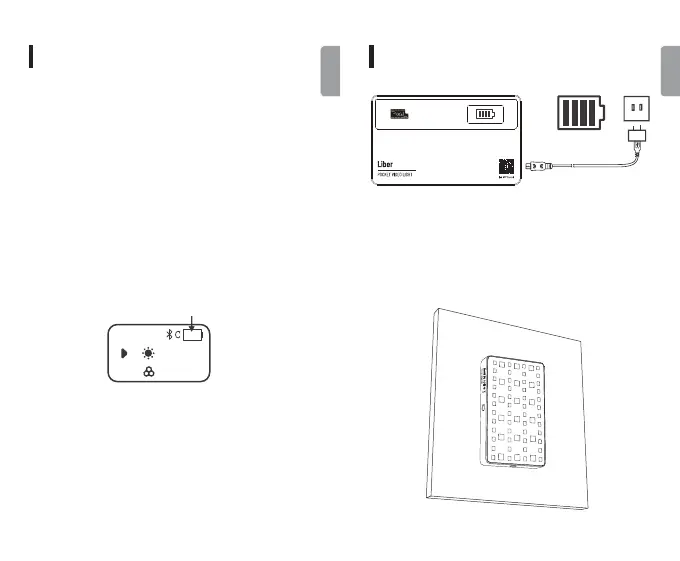
The charging interface is a Type-C socket. Connect the
Type-C to USB cable with the USB charger. (sold separate-
ly) to charge the product. It will be fully charged with a
5V2A charger in around two hours.
9. USB Charging
When the current brightness is not adjusted, the power
of each cell decreases. When the last cell is used up,
it will automatically shut down after about 5 minutes.
Please charge it in time.
8. About Battery Icon
8500 K
100%
CCT
Press and hold the adjustment dial wheel[OK] button
for 5 seconds back to the factory default setting (CCT
mode, color temperature is 5500K, brightness is 0%).
USAGE
The built-in magnet design on the back of the light
enables the light to be adsorbed on ironwork.
10. Magnetism



 To Next Page