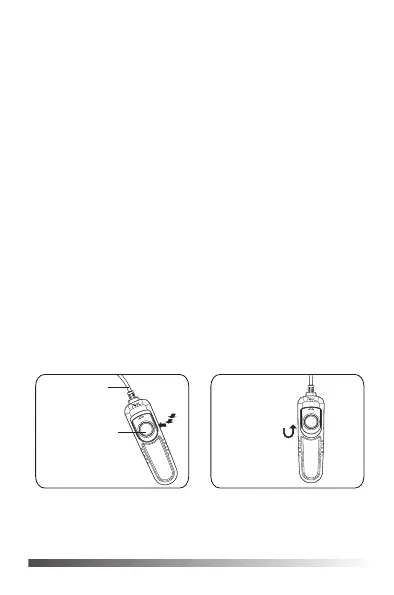
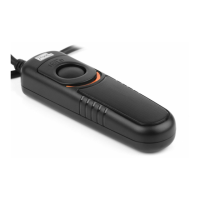
cable
1
2
3
release button
locking
1. Half press the release button, to start the camera auto-focus, let
focus on the main point; then fully press the release button to take a
picture.
2. Locking mode, (Please set the camera to continuous or BULB mode).
Fully press the release button and lock the button. It's locked the camera
to start the continuous shoot or long exposure.
3. Remove locking, let pull down the lock, then release the button.
Specification
Style: Cable style shutter release control
Mode: 2 ways button for focus and shooting, and lock the button for
continuous shooting and long exposure.
Cable length: 110cm
Volume: 95.5mm(L)X29.4mm(W)X20.3mm(H)
Weight: 55 g
www.pixelhk.com
3044011000601
Add: Rm A07, 4/F, Hop Hing Industrial Building, 704 Castle Peak Road,
Lai Chi Kok, Kowloon, Hong Kong
Directions


 To Previous Page