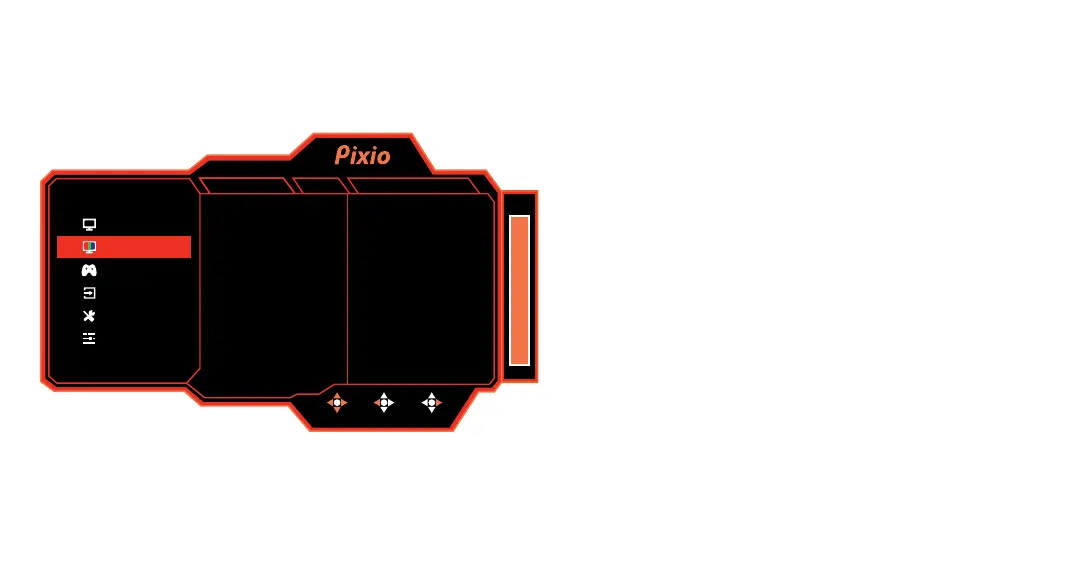
Color
•Color Temperature: Select Color Temperature from Warm,
Normal, Cool, sRGB, and User.
•Gamma: Select Gamma from Off, 1.8, 2.0, 2.2, and 2.4.
•Hue: Adjust the Hue value from 0 to 100.
•Saturation: Adjust the Saturation value from 0 to 100.
•Low Blue Light: Adjust the Low Blue Light value from 0 to 100.
FPS
MOVE BACK ENTER
165
Gamma
Hue
Saturation
Low Blue Light
Color Temperature
2.2
50
60
0
User
Color
Gaming Setup
Input
System Setup
User Data
V1.0
DP1(1.2)
Display
2560x1440 165Hz FreeSync Premium


 To Next Page