
 Need help?
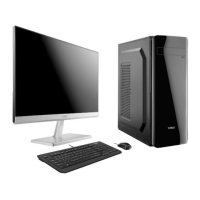
Do you have a question about the Plaisio Turbox and is the answer not in the manual?
Steps to resolve common problems related to the monitor display and connection.
Instructions and diagrams for replacing the motherboard of the PC.
Guide on how to correctly install or replace the Central Processing Unit (CPU).
Details on replacing the Power Supply Unit (PSU), including pin definitions.
Instructions for connecting and replacing storage devices like HDDs or SSDs.

 To Next Page
 General