3
First Setup
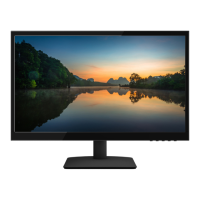
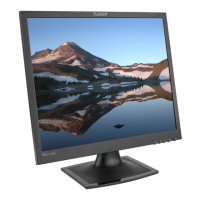
Congratulations on your purchase of this high performance LED edge lit, LCD monitor.
This LED LCD monitor comes with the following accessories :
LED LCD monitor Power Cable
User’s Guide Audio Cable
VGA Cable DVI Cable
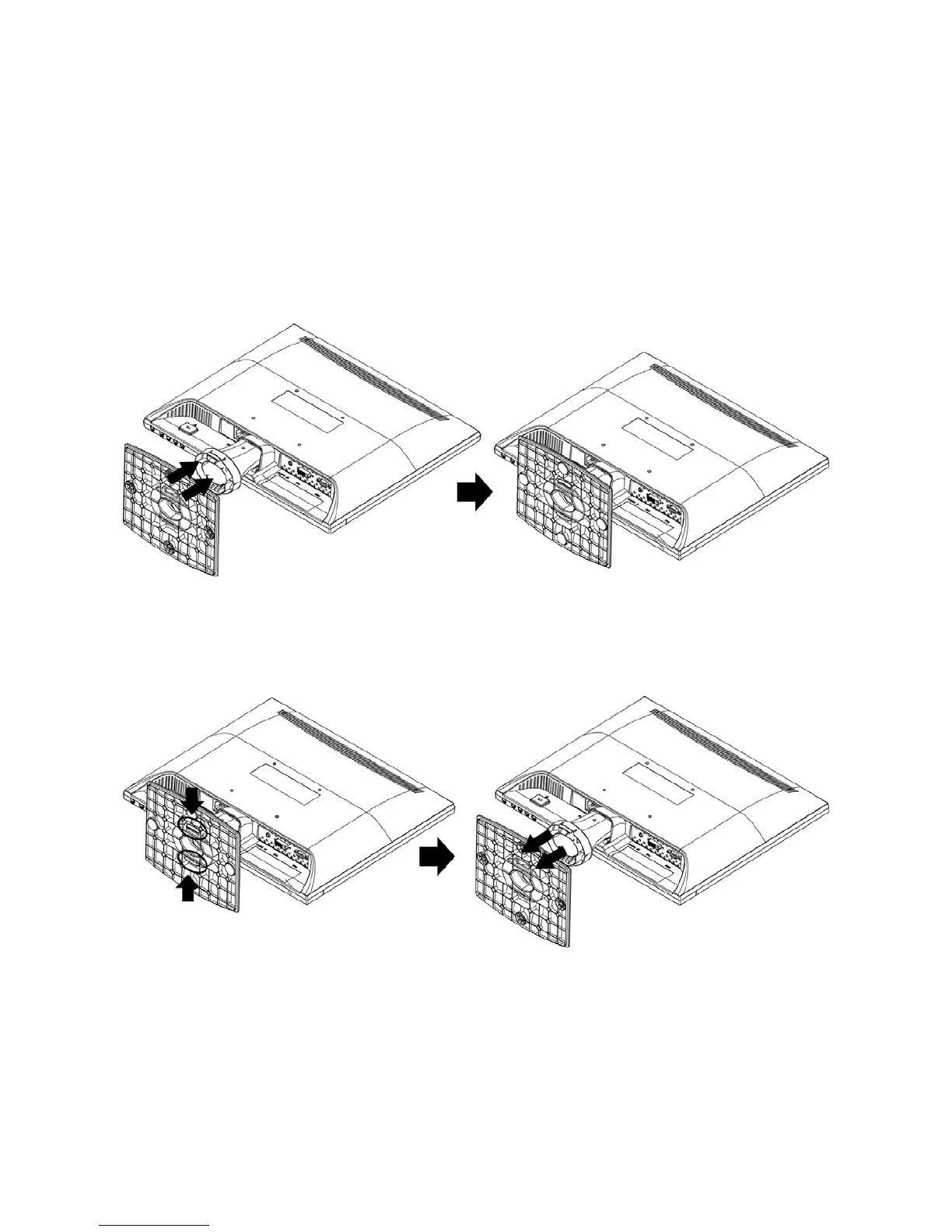
Installing the Stand Base
1. Place the monitor face down on a soft cloth or cushion on a table.
2. Install the stand base to the monitor.
Disconnecting the Stand Base
1. Place the monitor face down on a soft cloth or cushion on a table.
2. Press the 2 tenons inwardly and pull the stand base to remove.


 To Next Page