27
PT1785P Calibration Instructions:
Calibrating the touch screen in Windows 7:
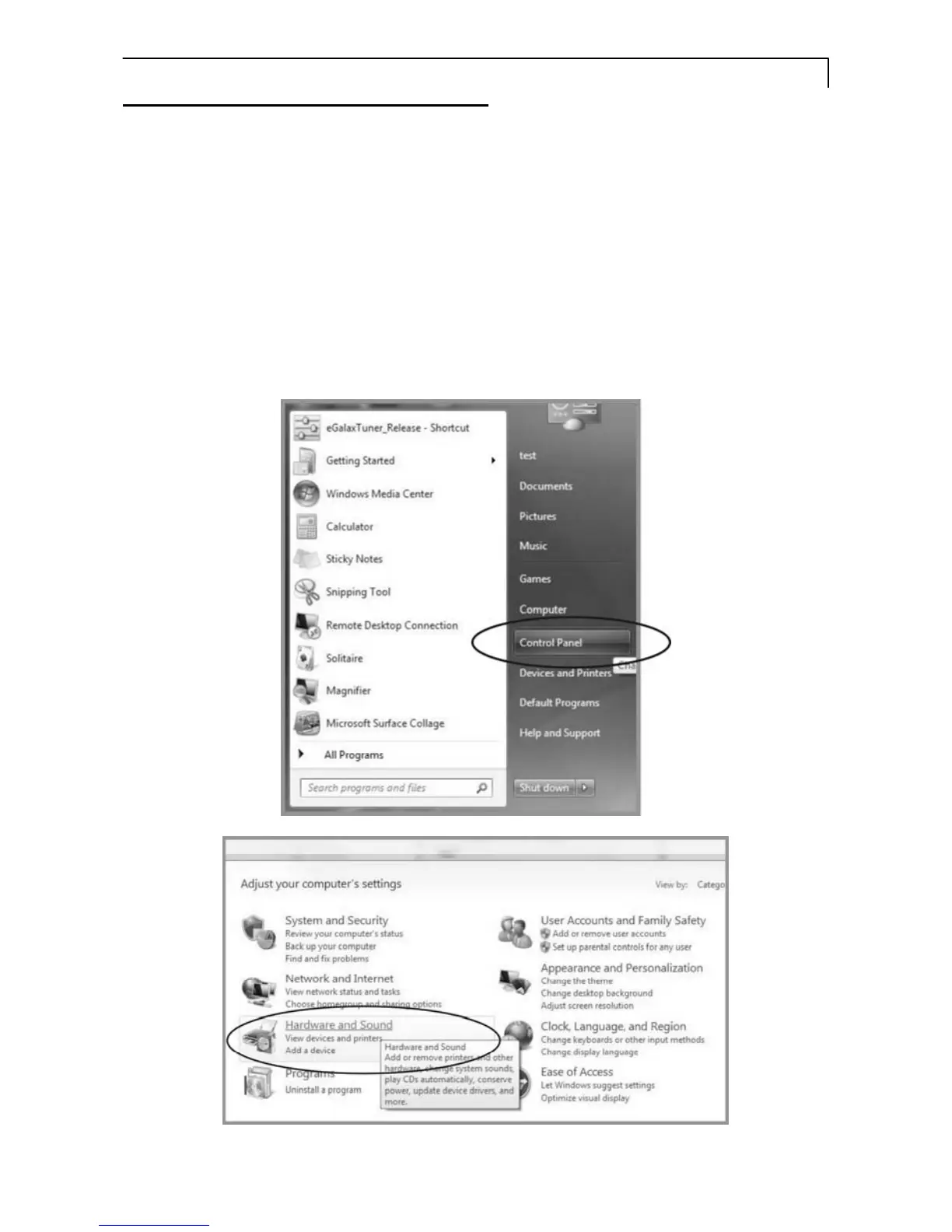
1. Tap the Start button, Control Panel and then Hardware and Sound.
2. Under Tablet PC Settings, tap Calibrate the screen for pen or touch
input.
3. On the Display tab, under Display options, tap Calibrate and then Yes to
allow the program to make changes.
4. Follow the on-screen instructions to calibrate the touch screen.



 To Next Page