C S 3
23
INTRODUCTION
FA CTO RY R ESTORE
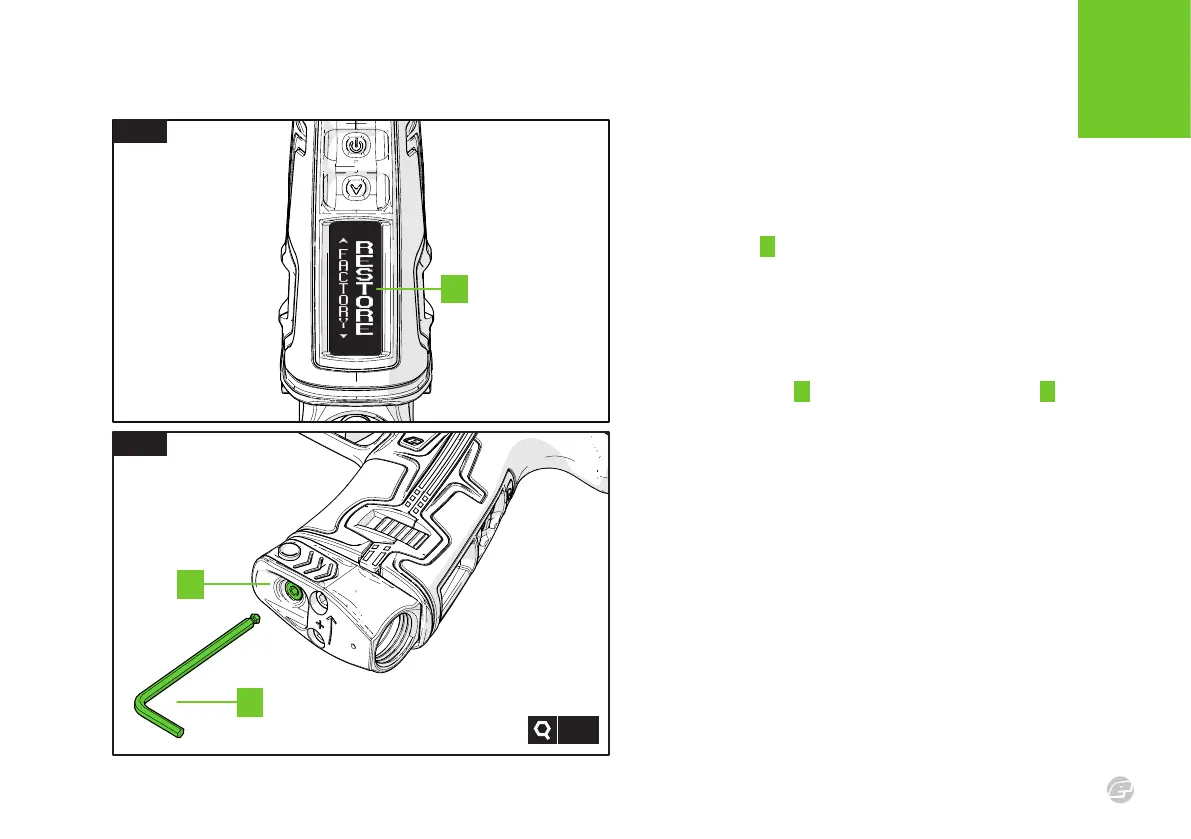
FIG.1 - FACTORY RESTORE
Navigate to the HARDWARE > FACTORY menu item and select the
RESTORE option A
.
This will cause the marker to reconfigure any
new hardware (such as a Comms Board) and restore the electronics
and firmware to their default state. Any user modifications will be
lost, however the E-Portal PC application can be used to save them
prior to performing a RESTORE.
FIG.2 - VELOCITY
Using the 1/8 hex key B turn the velocity adjuster screw C counter-
clockwise until it is in the full screwed-out position. Then wind it in
3.5 turns clockwise.
FIG.2
1/8”
B
A
C
FIG.1















 To Next Page