C S 3
34
ELECTRONICS
OL ED RUN SCREE NS
FIG .1
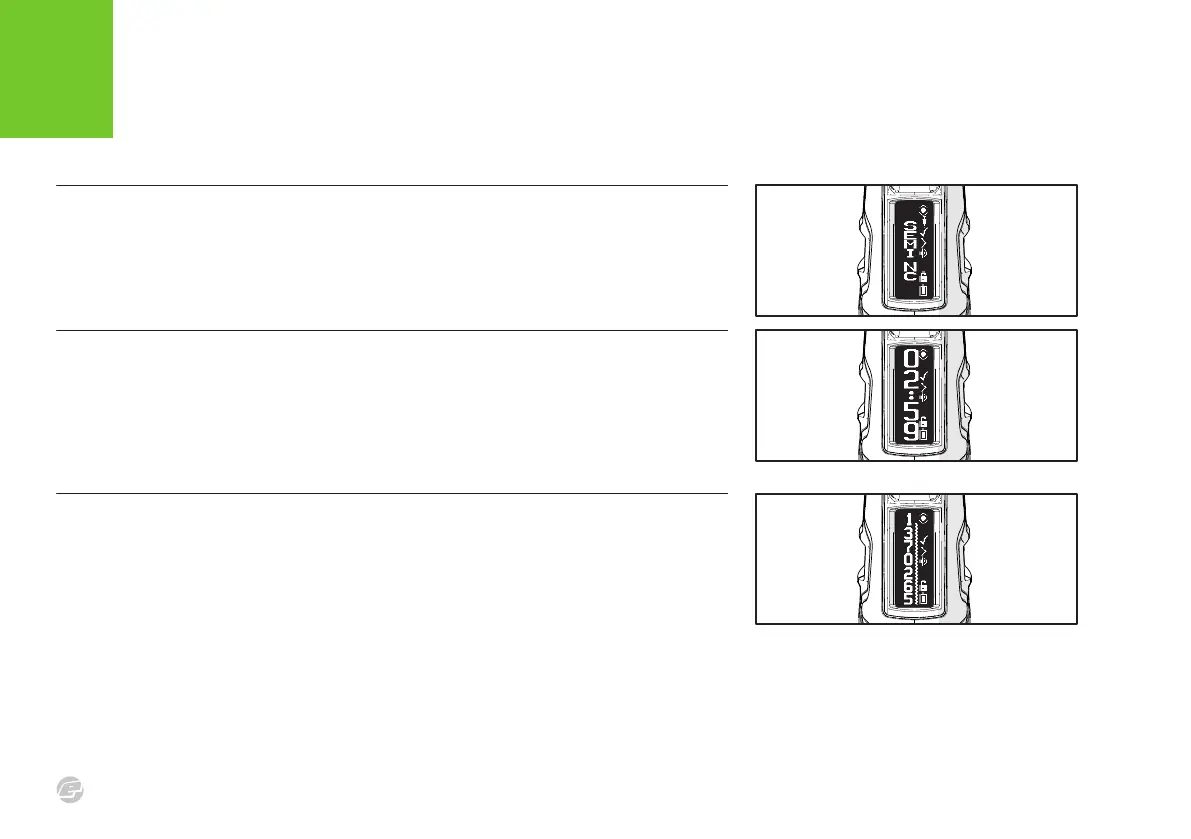
SHOT COUNTER SCREEN
This screen provides a resettable shot counter. Hold the bottom pushbutton to reset the
counter.
FIG .1
GAME TIMER SCREEN
This screen provides a countdown game timer. Tap the bottom pushbutton to start the game
timer countdown. Hold the bottom pushbutton for 0.5 seconds to stop the timer. Push and
hold the bottom pushbutton again to reset the game timer. When counting down the marker
will sound an audible alarm when it reaches the ALARM 1 time, the ALARM 2 time and 00:00.
FIG .1
MODE SCREEN
This screen allows the firing parameters to be examined quickly without having to enter the
setup menu. Tap the bottom pushbutton to cycle through the relevant parameters,















 To Next Page