C S 3
35
ELECTRONICS
OL ED RUN SCREE NS
FIG .1
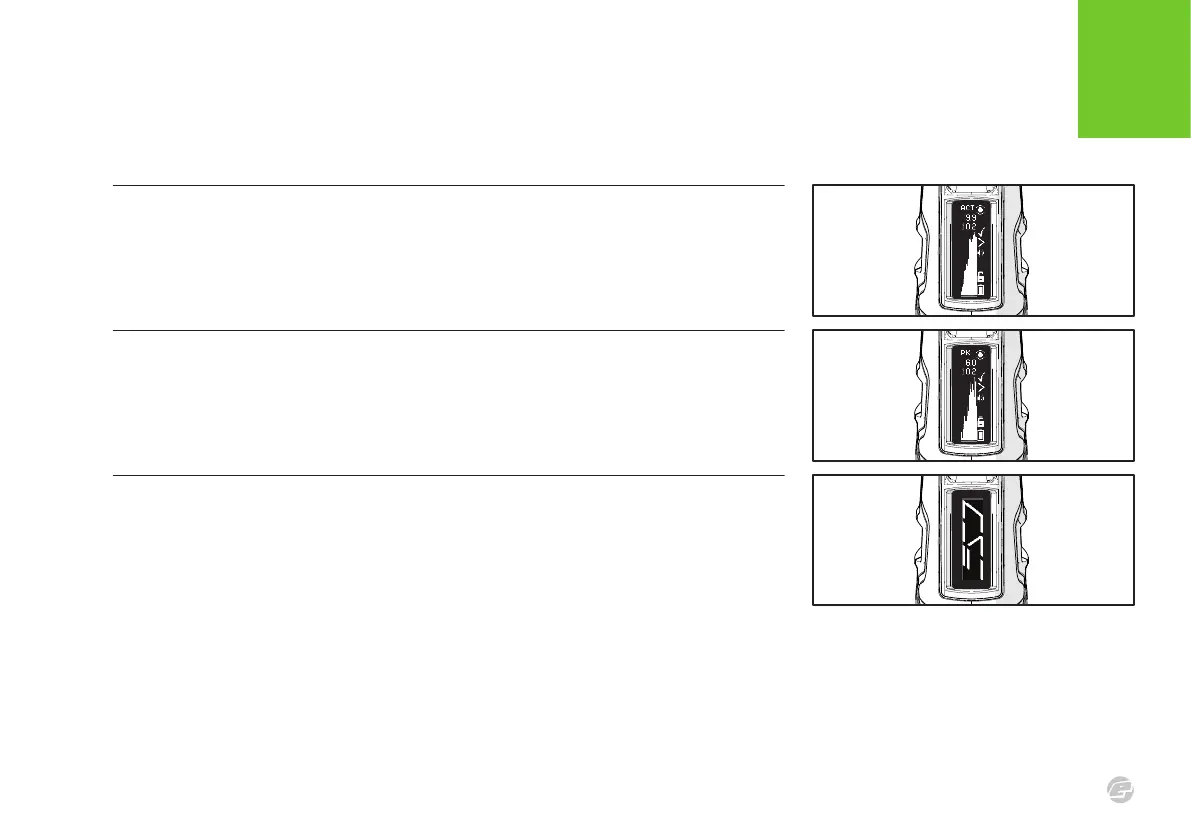
SPLASH SCREEN
This screen display the splash graphic which, by default, is the marker logo but can be
modified or replaced by means of the E-Portal PC application.
FIG .1
PEAK ROF SCREEN
This screen displays the peak ROF recorded over time, along with the latest recorded reading
and the maximum recorded reading. The peak rate of fire is the rate of fire between each two
consecutive shots. Hold the bottom pushbutton to zero the maximum recorded reading.
FIG .1
ACTUAL ROF SCREEN
This screen displays the actual ROF recorded over time, along with the latest recorded reading
and the maximum recorded reading. The actual rate of fire is the number of shots fired in
each second of time. Hold the bottom pushbutton to zero the maximum recorded reading.















 To Next Page