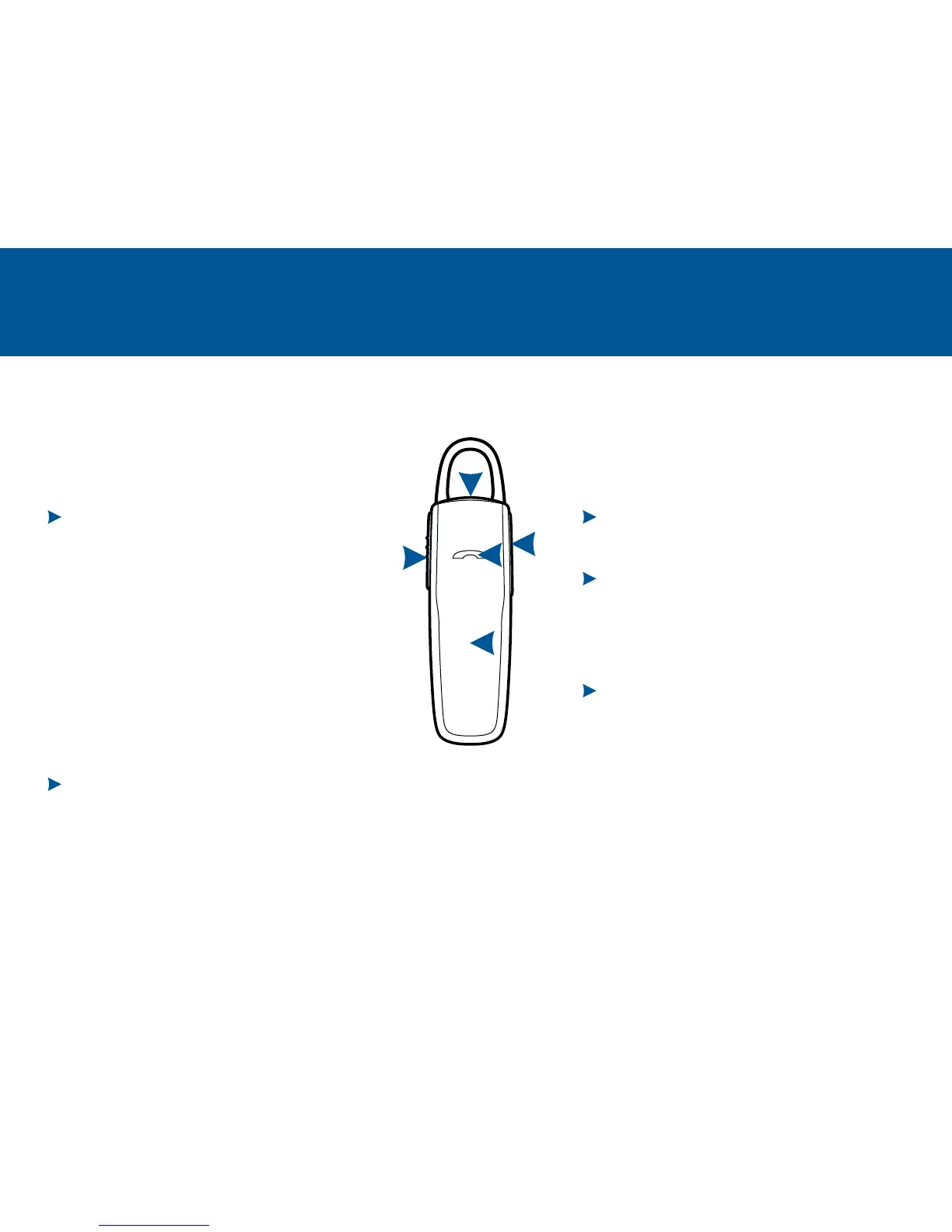
VOLUME BUTTON
(1 tap per level change)
INDICATOR LIGHT (LED)
(solid red until charged)
(3 red flashes at powering on)
(repeating red/white flashes)
MICRO USB CHARGING PORT
1 hour before first use
2 hours (full charge)
D
C
E
TAKE A GOOD LOOK
CALL BUTTON
(1 tap or say “Answer”)
• (1-second press or say “Ignore”)
(2 taps)
(2-second press until tone is heard)
(1 tap if
the headset doesn’t automatically reconnect)
(press until red/white LED flashes)
(1 tap)
POWER SWITCH
(slide back)
(slide forward)
A
B
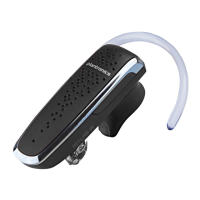
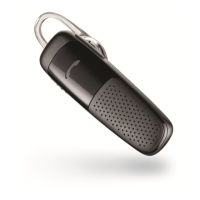
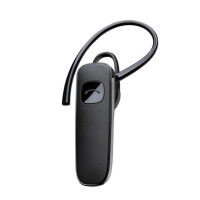
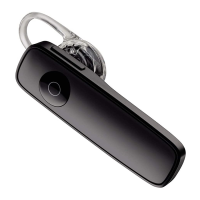
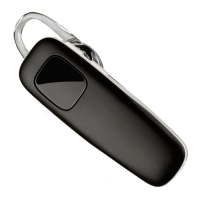
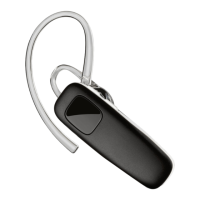
Your headset may look slightly different than
the illustration, but will still work as described.
A
B
D
E
C



 To Next Page