8
While standby, press to select operation channel; While in the menu mode, press to select the
menu items; While in channel scan, press to change the scan direction.
4. High/Low Power/Lock Key [LOCK]/[H/L]:
Press to select high or low output power; Hold for 1 second to turn Lock Function ON or OFF.
5. [ ] Power Key:
Hold down this key for 1 second to power ON/OFF the radio.
6. Channel 16/CALL Channel [C/16]:
Press to select Channel 16; Hold for 1 second to select Call Channel.
·When the Call Channel is selected, hold for 3 seconds
to enter the Call Channel
programming mode.
·While in the menu mode, press this key to exit.
7. Volume/Squelch/Monitor Key [VOL/SQL] /[MONI]:
Press to enter the volume adjustment mode; Press again to enter the squelch adjustment mode;
Hold for 1 second to active the Monitor function.
·While holding this key, press [▲] to turn on the Volume Maximum Function, repeat again to
turn off this function.
·While holding this key, press [▼] to turn on the Volume Mute Function, repeat again to turn off
this function.
8. Antenna Connector:
Connect with 50Ω supplied antenna.
9. Earphone/Charging/Programming Jack [SP/MIC]/[CHR]:
For connecting external earphone/microphone;
For connecting AC Adaptor/DC Charger;
For connecting programming cable.
·Rotate the jack cover counter-clockwise to open; Rotate clockwise to close.
NOTE: Make sure the jack cover is fixed tightly to avoid water leakage.
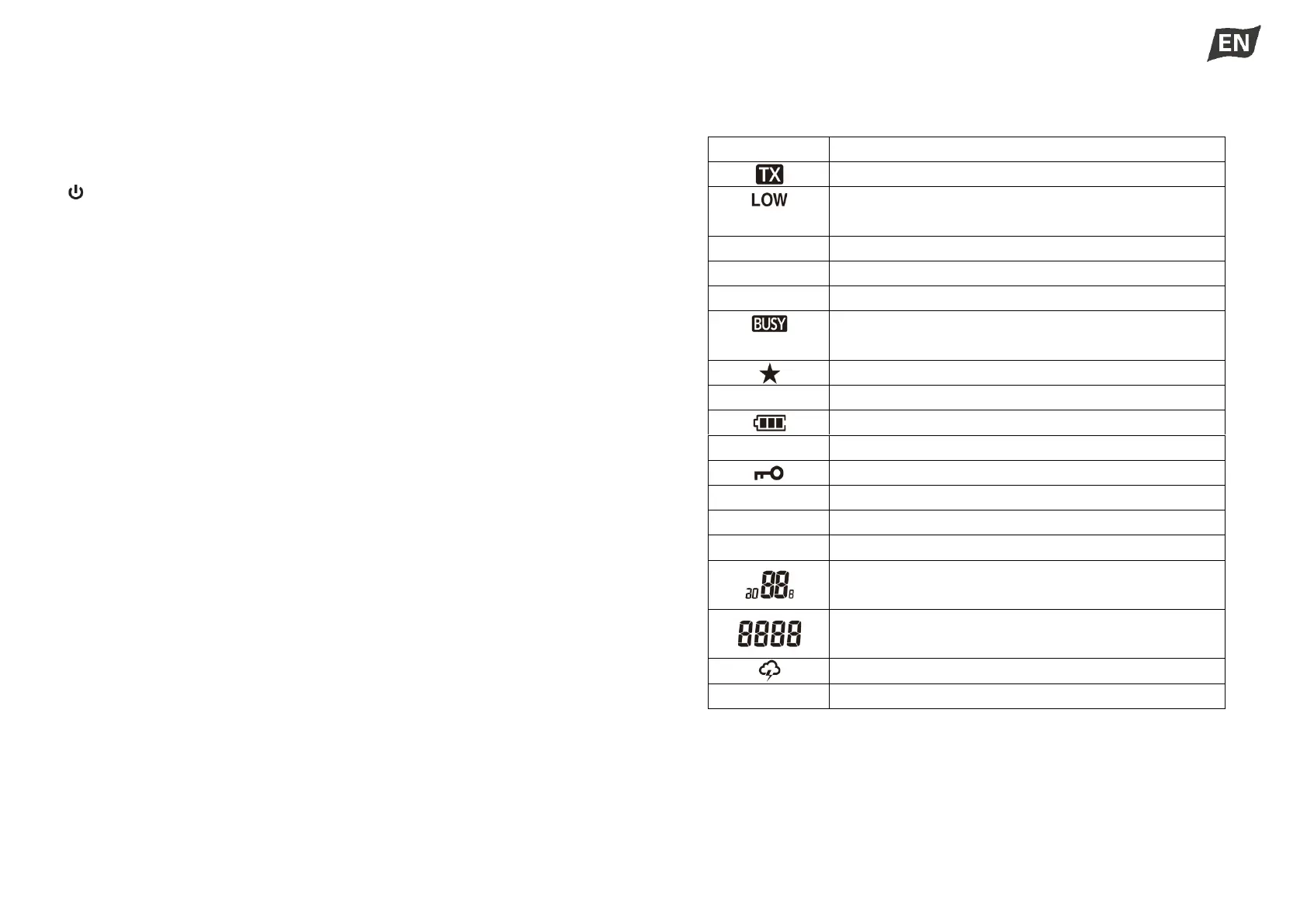
◆ Display



 To Next Page