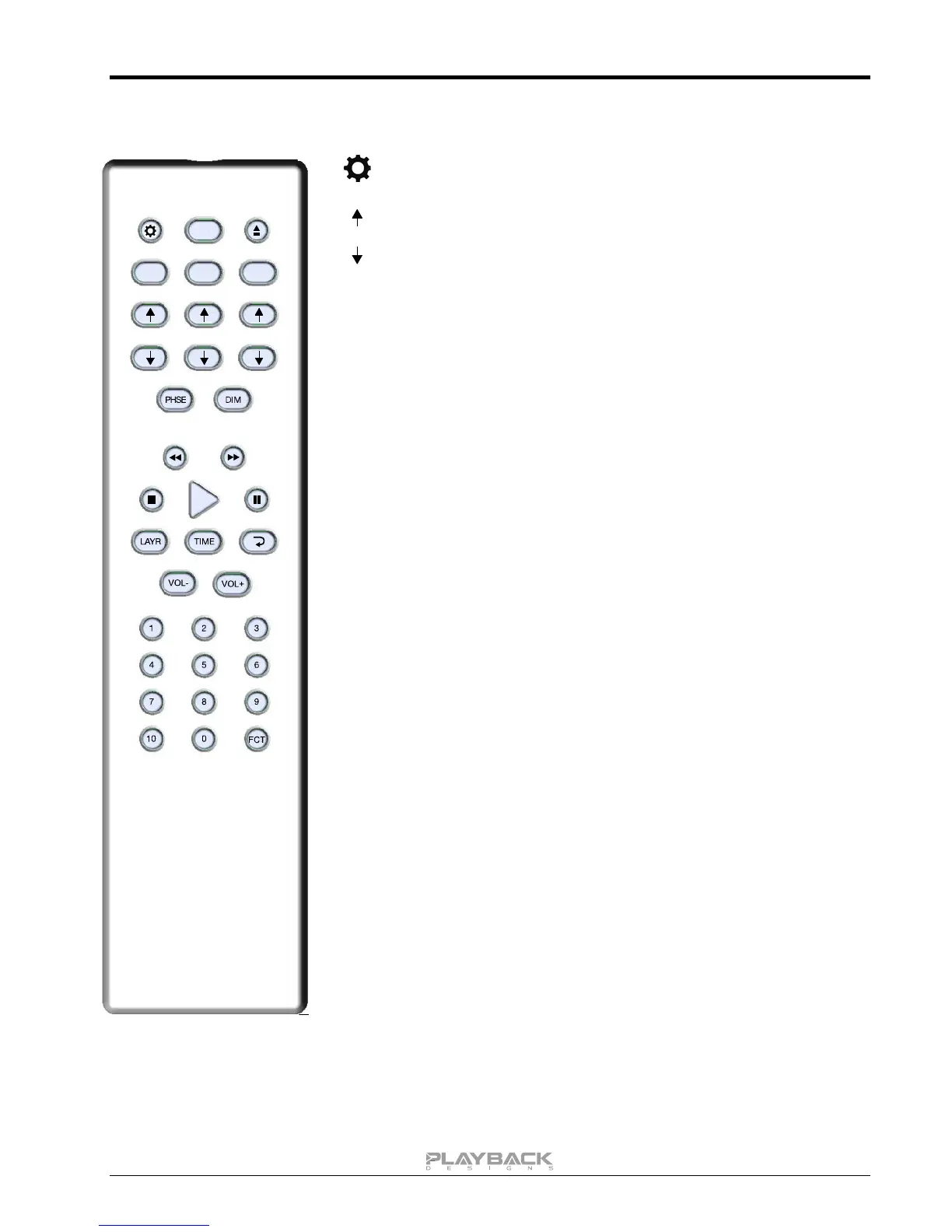
Opens the settings menu on front panel. Press the DAC button first to
select the MPD-8 settings.
During normal operation these up and down arrows directly below the
DAC button toggle through the active inputs of the MPD-8.
During settings display these buttons toggle through the settings
menu.
Inverts the phase on both analog outputs.
Dims display on front panel.
Mutes all analog outputs.
Analog output volume control. Need to enable variable output level
(see settings menu).
No function on MPD-8.



 To Next Page