4
STEP 2. CONNECT COMBO PLAYER TO YOUR SOUND SYSTEM
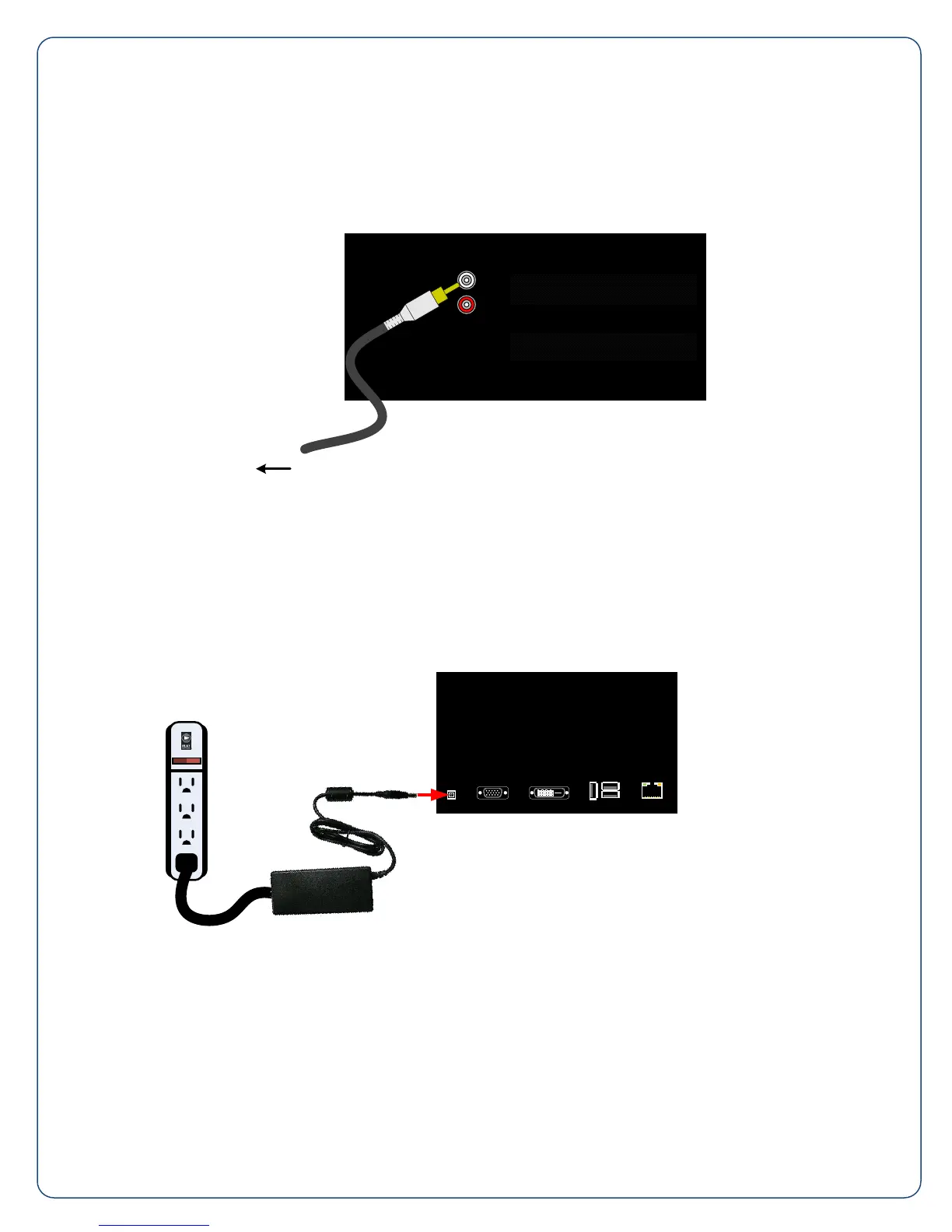
Connect an audio cable to the Zone 1 Output (L) on the back of the Combo player. Connect the opposite
end of the cable to your amplifier equipment. Repeat these steps for Zone 2 Output (M) if a second
zone is required.
ZONE 1
ZONE 2
To the Power Amplifier
STEP 3. ATTACH THE POWER CORD
Find the power supply and power cord (included) and plug them together. Next, plug one end into the
Power Inlet (I) on the back of the player. Then plug the power cord into the power strip provided.
Finally, plug the power strip into your wall outlet. Use only 120VAC 60 Hz power.



 To Next Page