21
Reset
Button
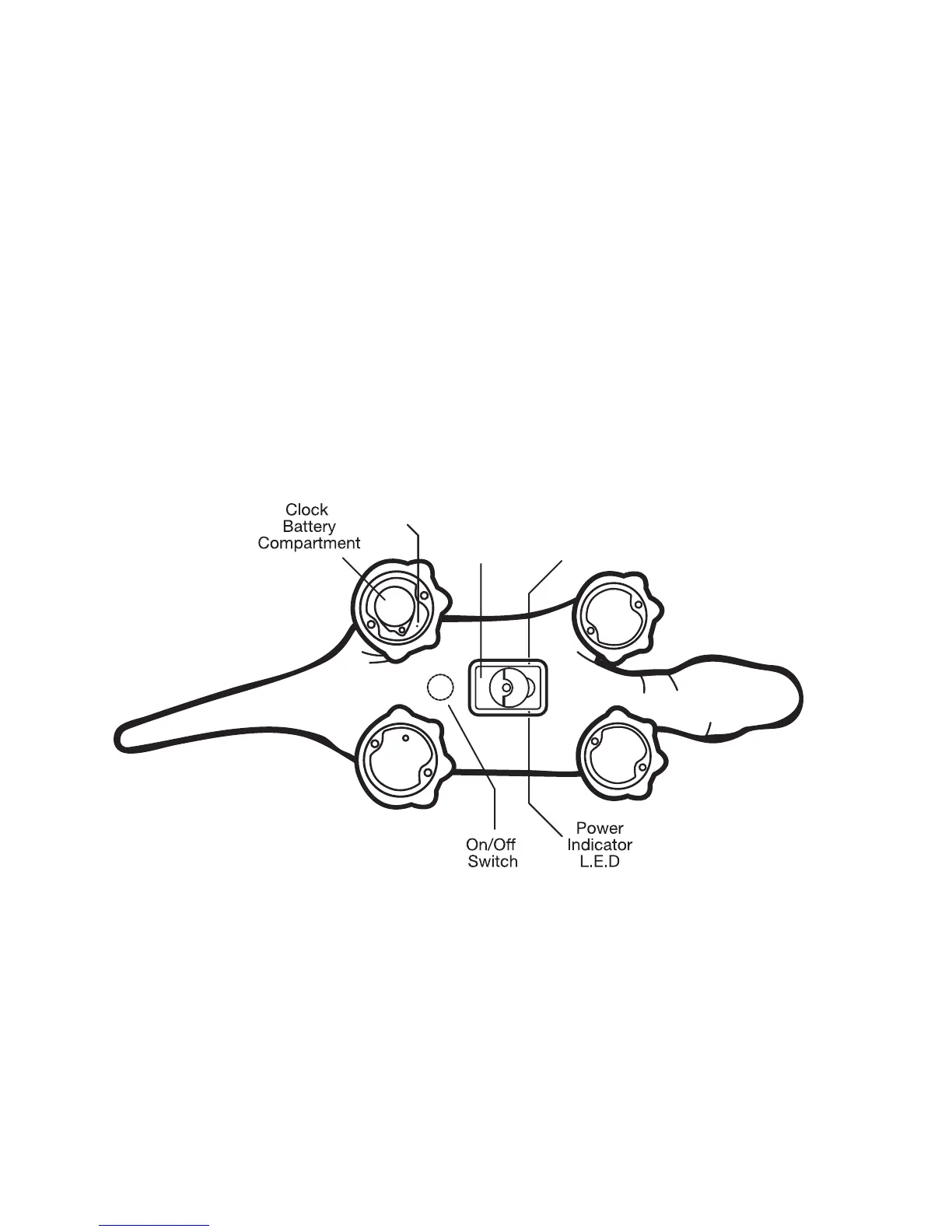
The switches, power indicator and Micro SD card reader
• Power indicator LED:
Green–PLEO rb is awake and battery level is normal
Red–PLEO rb is awake, but battery level is low
• “Noon” set button: Press the button to let PLEO rb knows it is noon
your time, so that PLEO rb matches its internal clock to yours
Battery/
Battery
Compartment
Noon
Button
Note: There is a separate battery power source for PLEO rb’s internal clock. Please install the
supplied battery (CR2032) by removing the screw and battery cover and installing it in the battery
compartment with the “+” facing the battery cover side, then reinstall the battery cover and the
screw (firmly). The clock battery will last approximately 3 years, please replace the used battery
with new one if you find your PLEO rb getting confused with the time a day.
• ON/OFF button: Press one time to turn on PLEO rb. Press and hold
for4secondstoturnoffPLEOrb.



 To Next Page