Product Overview
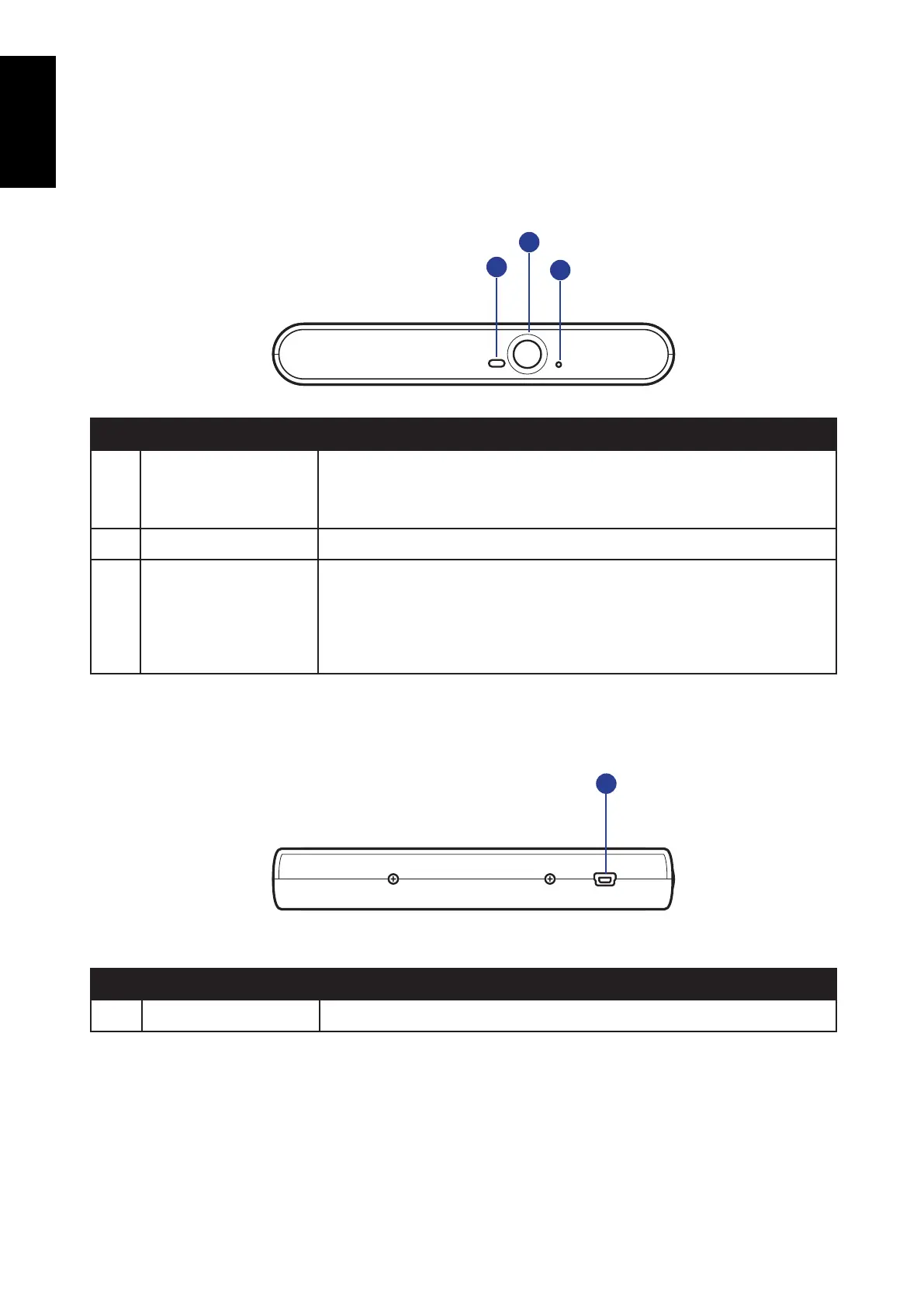
Front View
No.. Item Description
1 LED Indicator Indication of the drive’s operation status. When the LED is
blinking, the drive is reading / writing / rewriting or the disc is
loading.
2 Eject Button Push to open the tray.
3 Pin Hole Eject If the Eject button fails to work properly, insert a paper clip into
this hole to open the tray.
CAUTION: Turn off power to the drive before performing manual
ejection.
Rear View
No.. Item Description
1 Mini USB Port Connect to your notebook.
2
1
3
1



 To Next Page