Section 5. Advanced Features and PlexTools Professional
PX-716 Installation and Users Manual 69
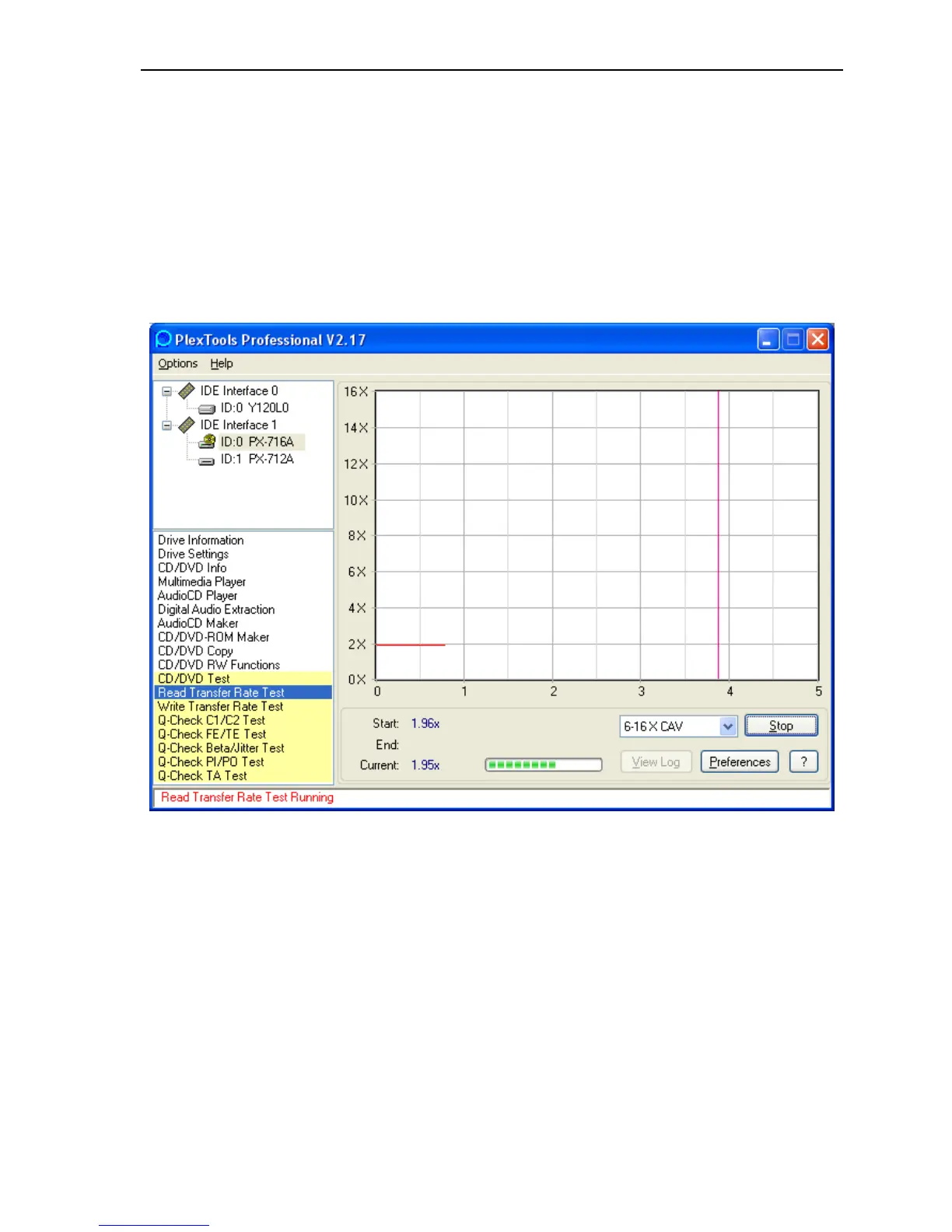
To measure read transfer rate response:
1. Place a recorded disc in the PX-716. You can use a pre-recorded,
commercially stamped CD or DVD disc; or you can use a recorded
DVD+R/RW disc, DVD-R/RW disc, or CD-R/RW disc.
2. From the PlexTools menu bar, select Read Transfer Rate Test. You
see the Read Transfer Rate Test window with a graph for read
speeds.
Figure 33: Read Transfer Rate Test window
3. Select the speed pulldown menu and choose the desired transfer
speed.
4. Click the Preferences button to view or change the preferences. You
can change the Read Test Options and the Read Test Graph Options.



 To Next Page