Section 5. Advanced Features and PlexTools Professional
74 PX-716 Installation and Users Manual
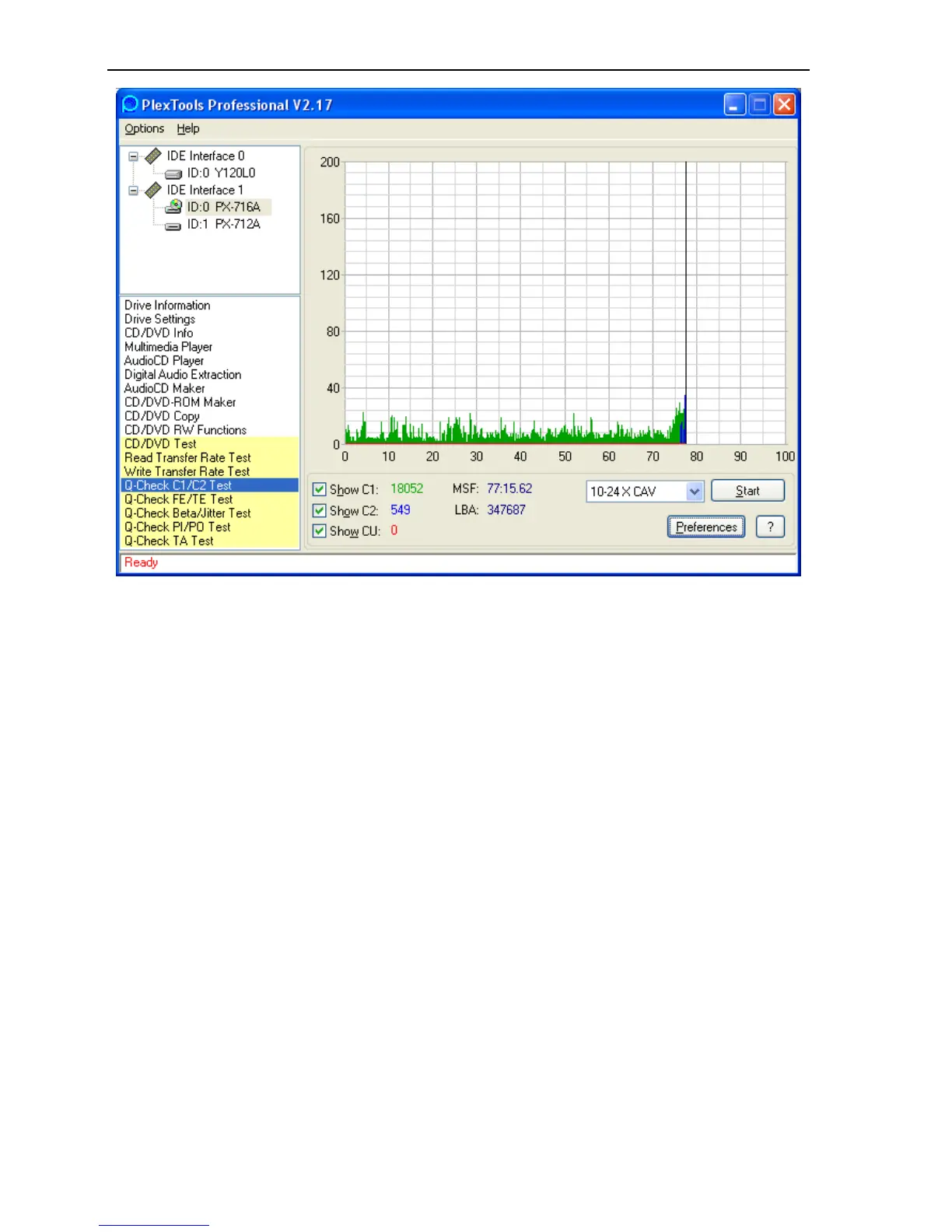
Figure 36: Q-Check C1/C2 Test window
3. Click the Preferences button to view or change the preferences. You
can change the scale limit and the time length indication, and you
can choose to include all tracks on the disc or only selected tracks.



 To Next Page