Section 5. Advanced Features and PlexTools Professional
78 PX-716 Installation and Users Manual
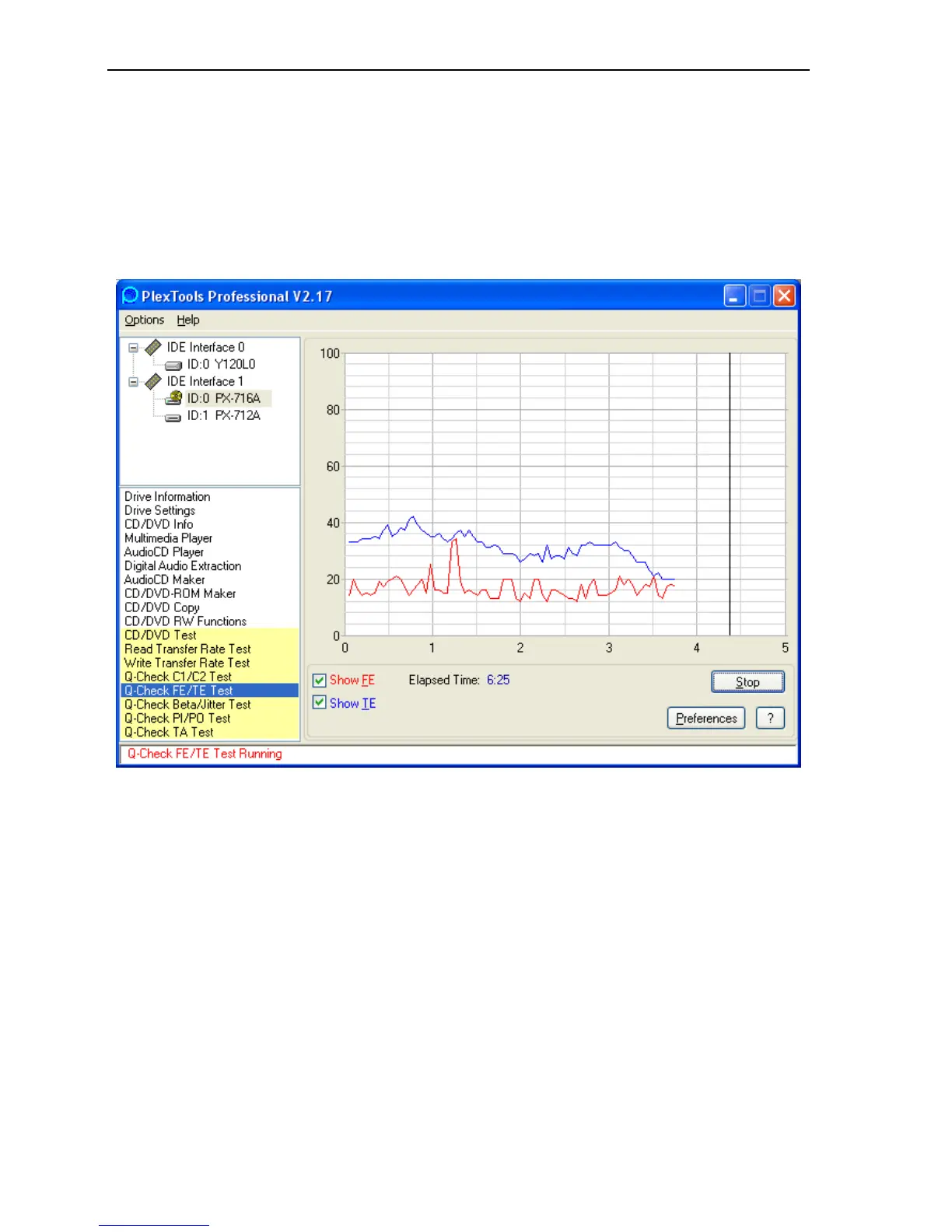
To use PlexTools Professional to measure tracking and focus error:
1. Place a blank CD-R, DVD+R or DVD-R disc in the PX-716. Don’t
use a rewritable (RW) disc or a double layer DL disc.
2. From the PlexTools menu bar, select Q-Check FE/TE Test. You see
the Q-Check window with a graph for focus error and tracking error.
Figure 38: Q-Check FE/TE Test window



 To Next Page