Section 5. Advanced Features and PlexTools Professional
88 PX-716 Installation and Users Manual
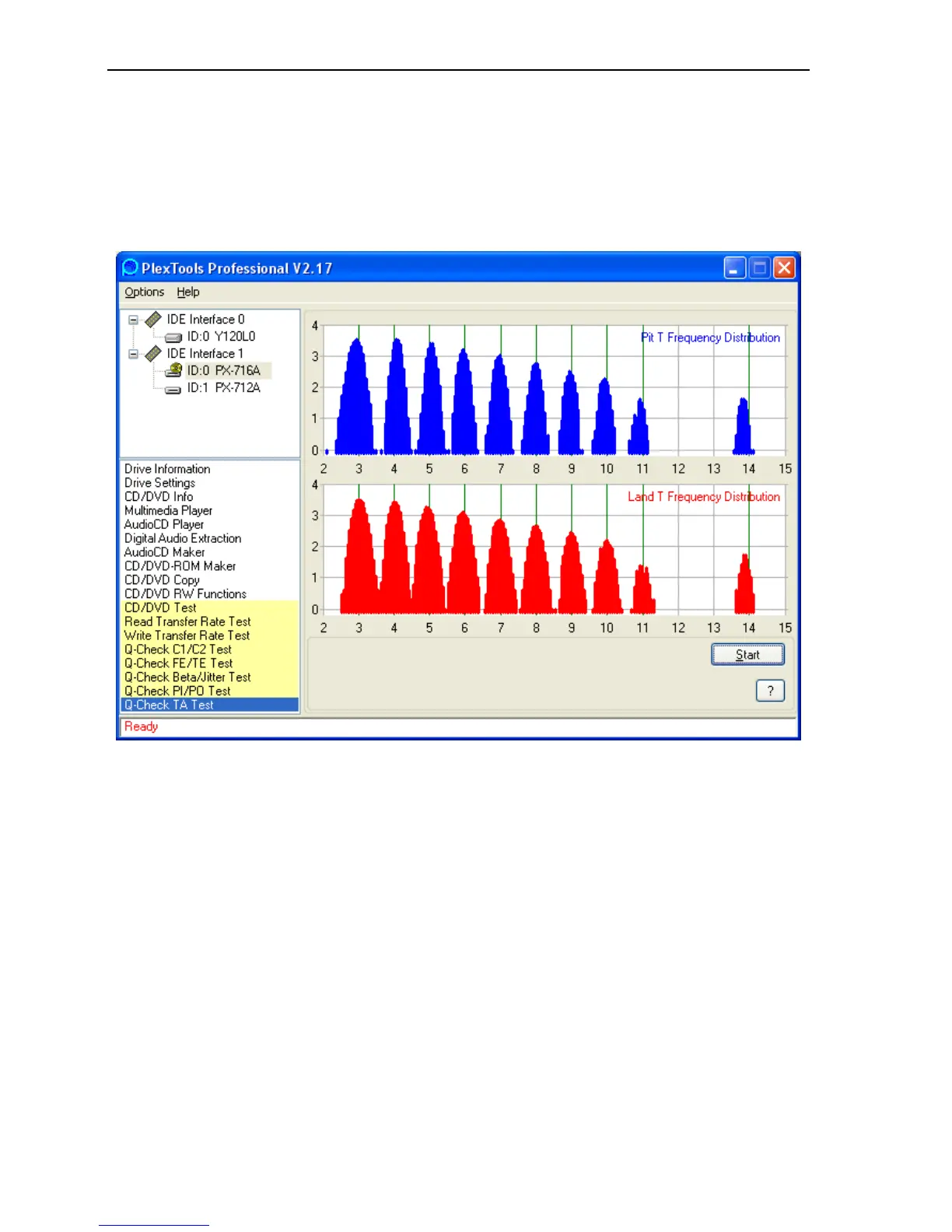
To view a TA analysis:
1. Place a recorded or rewritten DVD in the PX-716.
2. From the PlexTools menu bar, select Q-Check TA Test. You see the
TA window.
Figure 43: Q-Check TA Test window showing results with a high-
quality disc
3. Click the Start button. You see a window that lets you select the test
area: the inner zone, middle zone, or outer zone of the disc. If this is
a double layer disc, you can also select the layer.
4. Select the zone and layer and click OK. After a few moments, you
see a histogram showing frequency distribution of the lands and pits
in the disc.



 To Next Page