Optional Devices
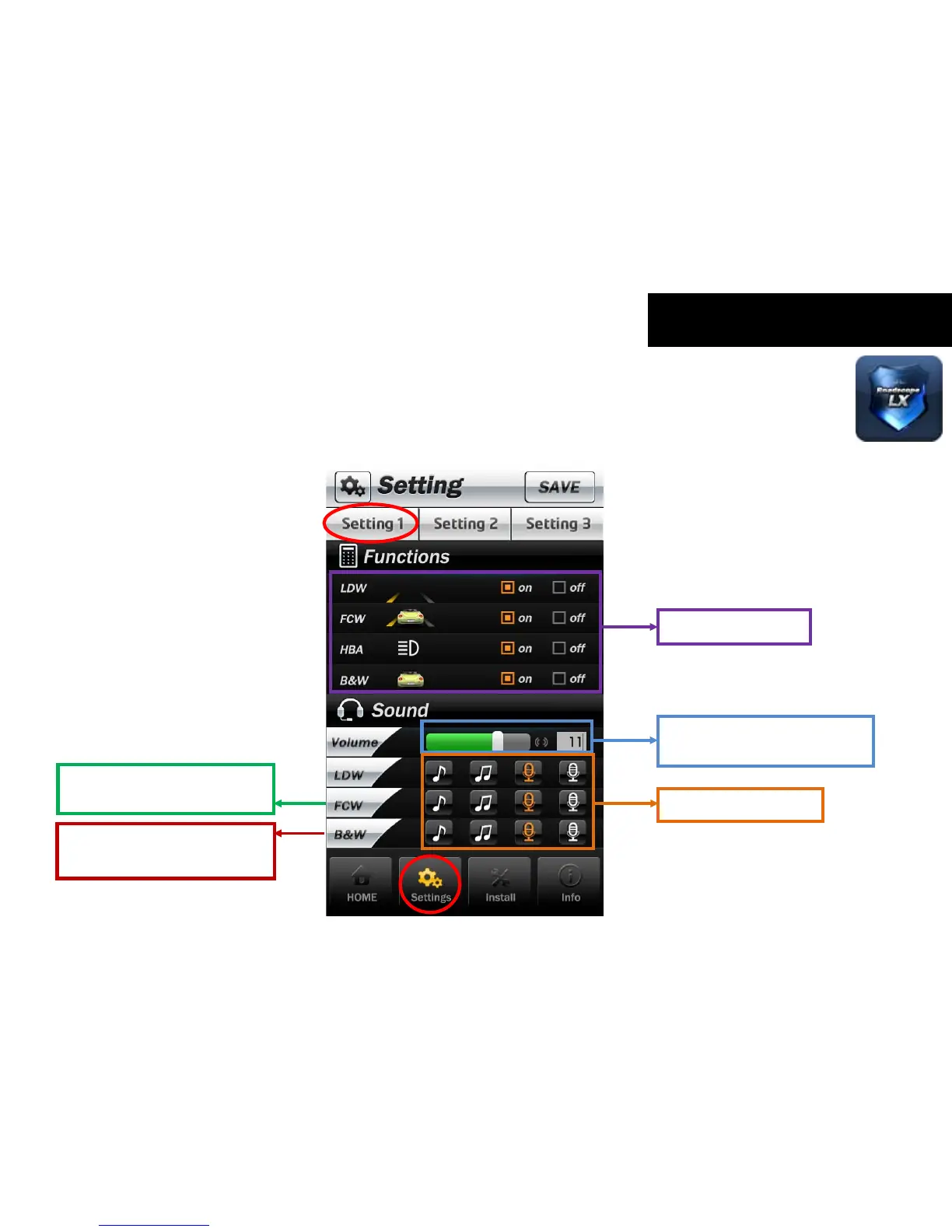
3-3-2. Setting 1 _ Functions On/Off & Sound control
Function ON/OFF
Use the control bar to change
the volume value (0~15).
Personalize sound types.
Sound change is available in
secondary warning.
It can be changed only warning
sound. There are 4 different
warning sound.
* When you click the ‘SAVE’ button, the changes of setting will be applied immediately.



 To Next Page