Pax Premium VaPorizer
9
CHOOSe YOUR TemPeRATURe
TemPeRATURe OPTiONS
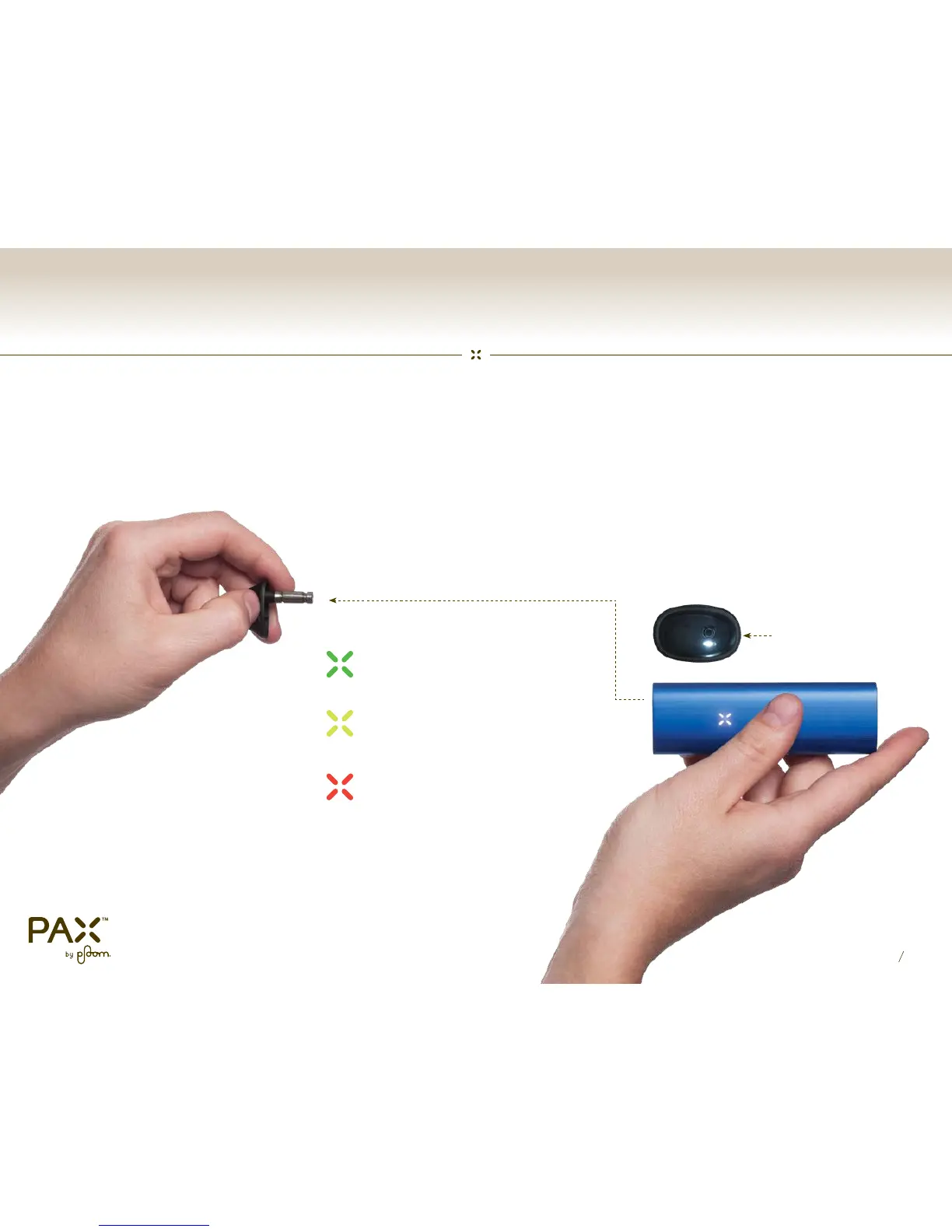
While Pax is on, use the thumbnail groove
to remove the mouthpiece. Pax will turn off
and indicate the current temperature setting.
Press the glowing white button inside to
cycle through temperature options, then
replace the mouthpiece.
Low Heat Mode
Medium Heat Mode (default)
High Heat Mode
Button Inside
!


 To Next Page