16
App Usage “AR”
Step by Step Guide
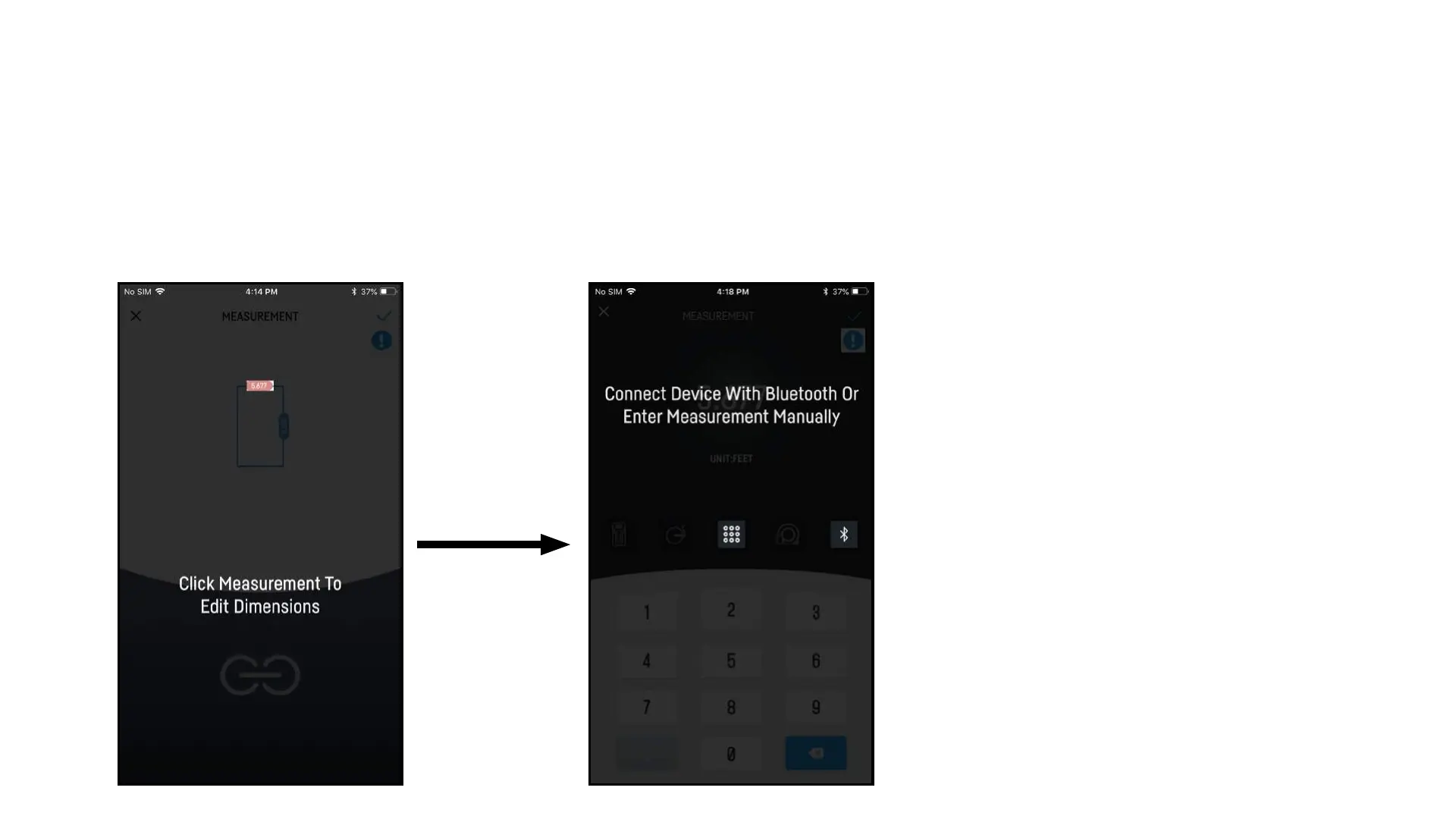
7. Select Dimension 8. Enter Measurement
7. Select measurement to edit
dimensions if needed. First time
through will guide you through whole
process.
8. You can now manually enter in
a measurement using the key pad or
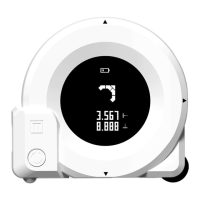
connect to a bluetooth device to
record measurement.


 To Next Page