17
App Usage “AR”
Step by Step Guide
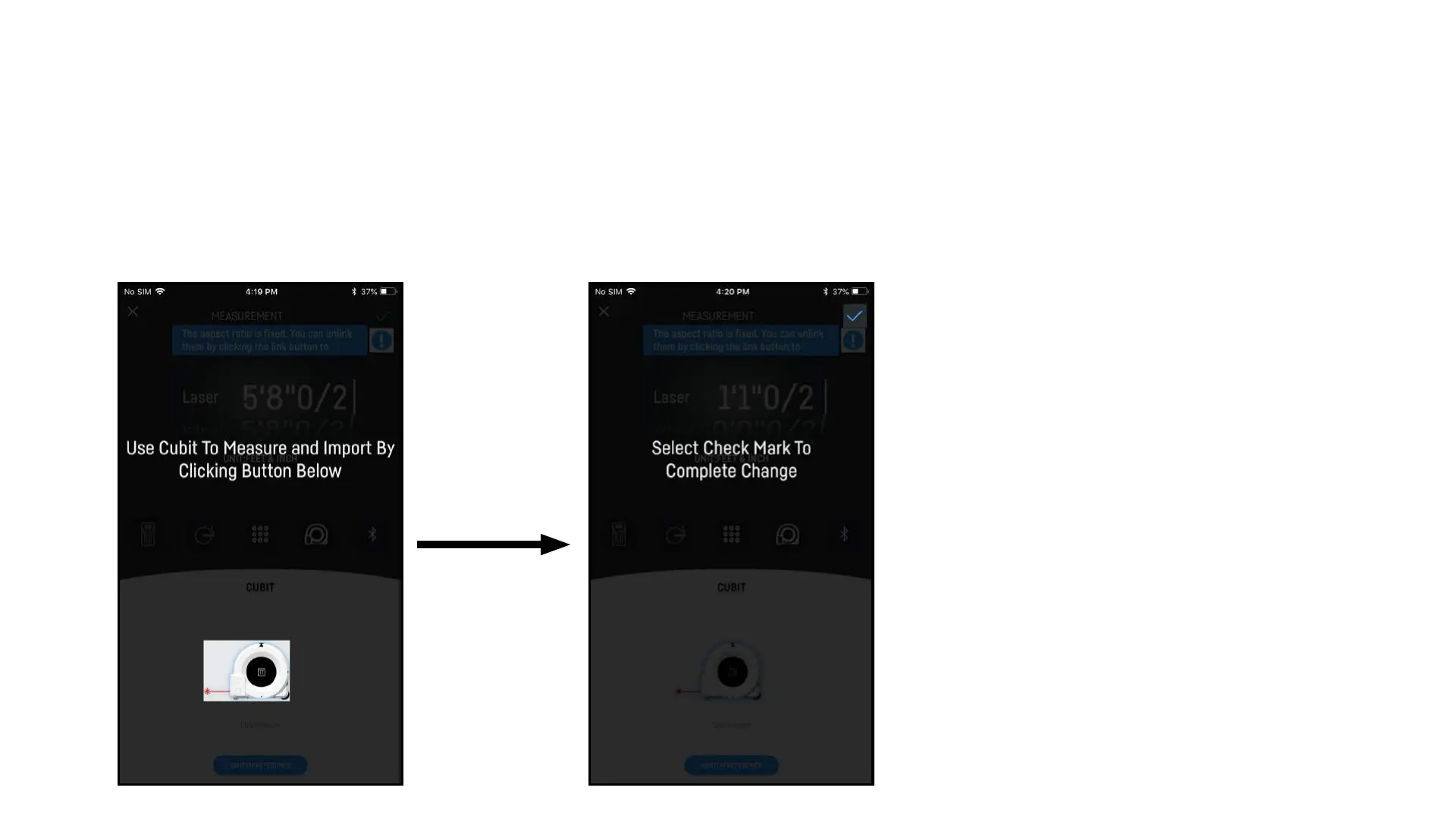
9. Select Cubit 10. Hit the Check Mark
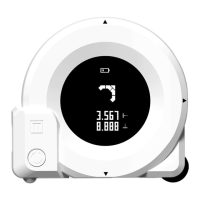
9. Select Cubit Icon then select
Cubit Picture to input the current
Horizontal measurement displayed on
Cubit.
10. Select the check mark when you are
done editing.
11. Repeat steps for other dimension.
12. Background will be present on main
edit screen


 To Next Page