
 Need help?
Do you have a question about the PLUG'N'GROW PNG-030 and is the answer not in the manual?
Set operating mode for humidification or dehumidification.
Use preset differentials or automatic differential.
Set day and night humidity setpoints from 20% to 90%.
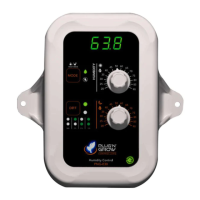
Displays ambient relative humidity.
Size, weight, digital display, and day/night detection features.
Power supply, maximum current, and operating conditions.
Warranty, technical support hours, and country of origin.
Sensor accuracy, adjustable setpoint range, and controlled equipment.
Step-by-step guide to plugging in and setting up the device.
Activate or deactivate lock mode to secure setpoints.
Information on error codes, consequences, and troubleshooting actions.
 General
| Brand | PLUG'N'GROW |
|---|---|
| Model | PNG-030 |
| Category | Controller |
| Language | English |

 To Next Page