16
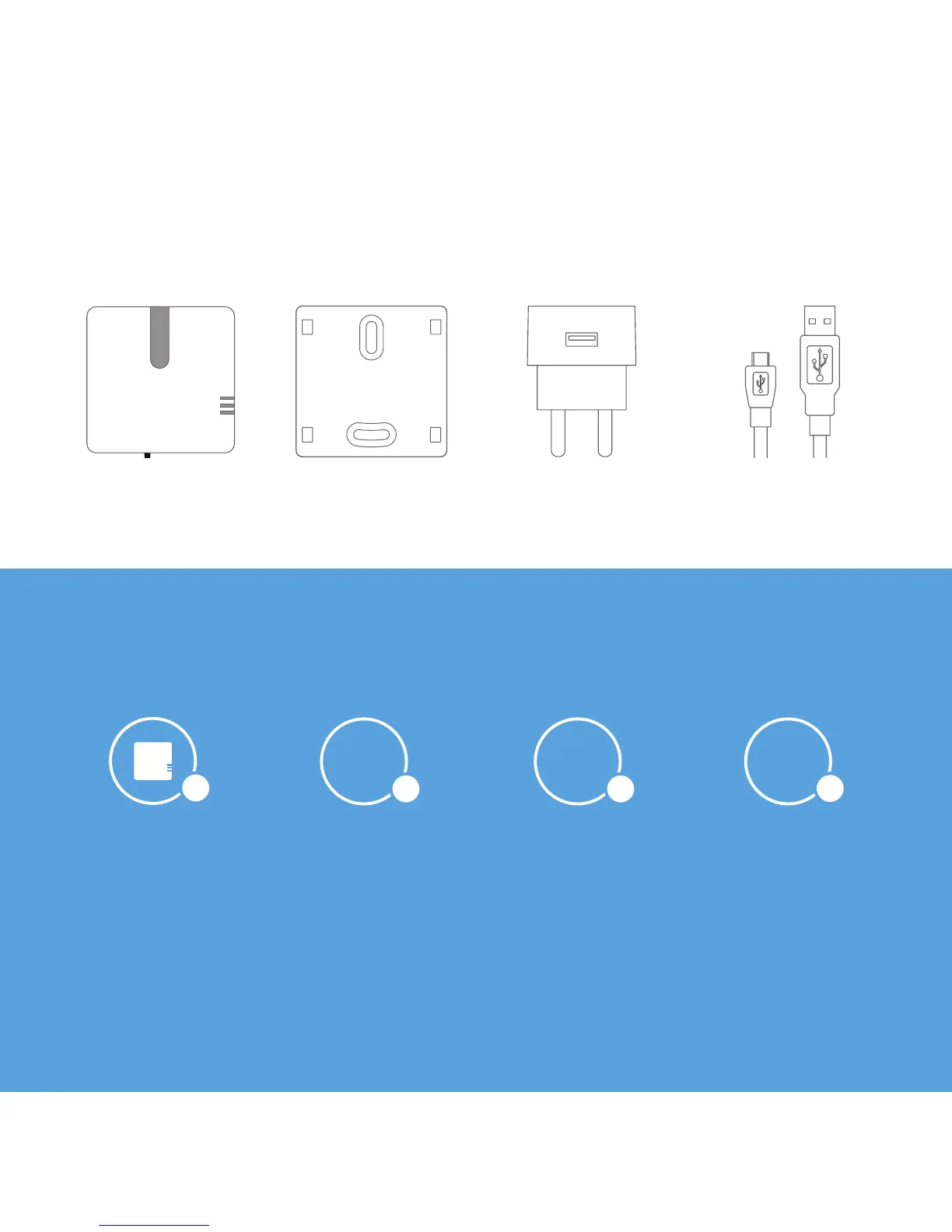
In the package of Smile:
Mounting frameSmile Adapter Adapter cable
Install the Smile in 4 steps
Place the Smile Connect the Smile
with your network
Set the Smile Install the software
1
2
4
3
The Smile reads out your meter and communicates this wirelessly with your
smartphone, tablet, or computer via the Plugwise app or Plugwise Source.
This manual will briey explain how to install the Smile.
16



 To Next Page