Seite 5 von 11
4 Troubleshooting measuring interruptions
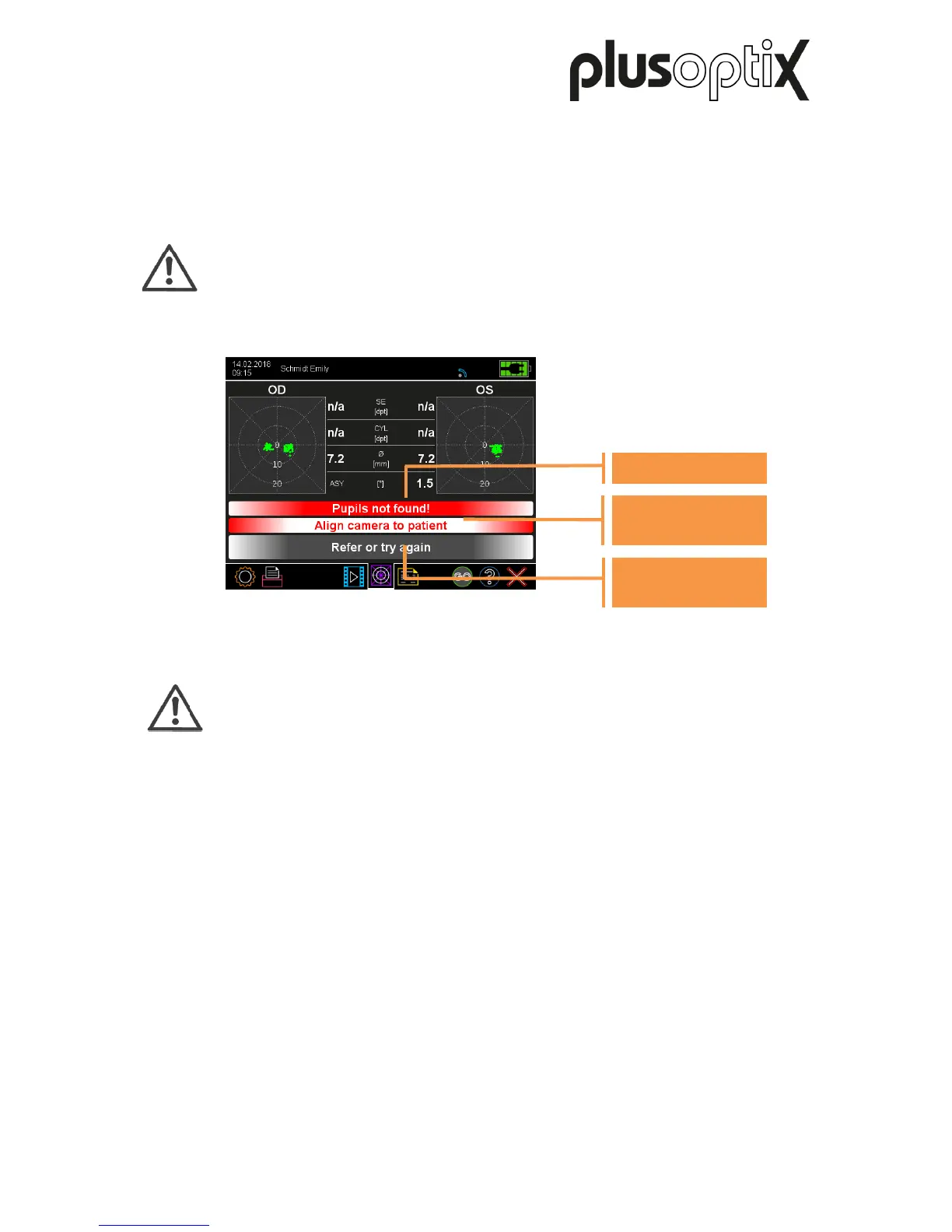
If no measurement results are available, an error message and an action recommendation
followed by a "Refer or try again" or “Try again” status message are displayed.
Attention:
If you receive the “Refer or Try again” screening result three times in a row and the
surrounding conditions for the measurement are correct, the child must be referred
for a further examination by an ophthalmologist.
Note:
Causes of errors, which are recognised by the Plusoptix Vision Screener, are
highlighted in red on the “Measurement values” results page and the “Camera
image” results page. Check these two pages after every “measurement
interruption” to limit the causes of errors.
The cause of the error message can normally be better recognised on the
camera image, than on the “Measurement values” results page.
The following overview provides a list of all error messages that are stored in the software:
a) "Picture out of focus"
b) "Patient does not focus on the camera!"
c) "Pupils too big!"
d) "Pupils too small!"
e) "Too much IR ambient light!"
f) "Pupils not found!"
g) "Measurement incomplete!"
h) "Corneal reflexes are too dark!"
These errors are described below.



 To Next Page