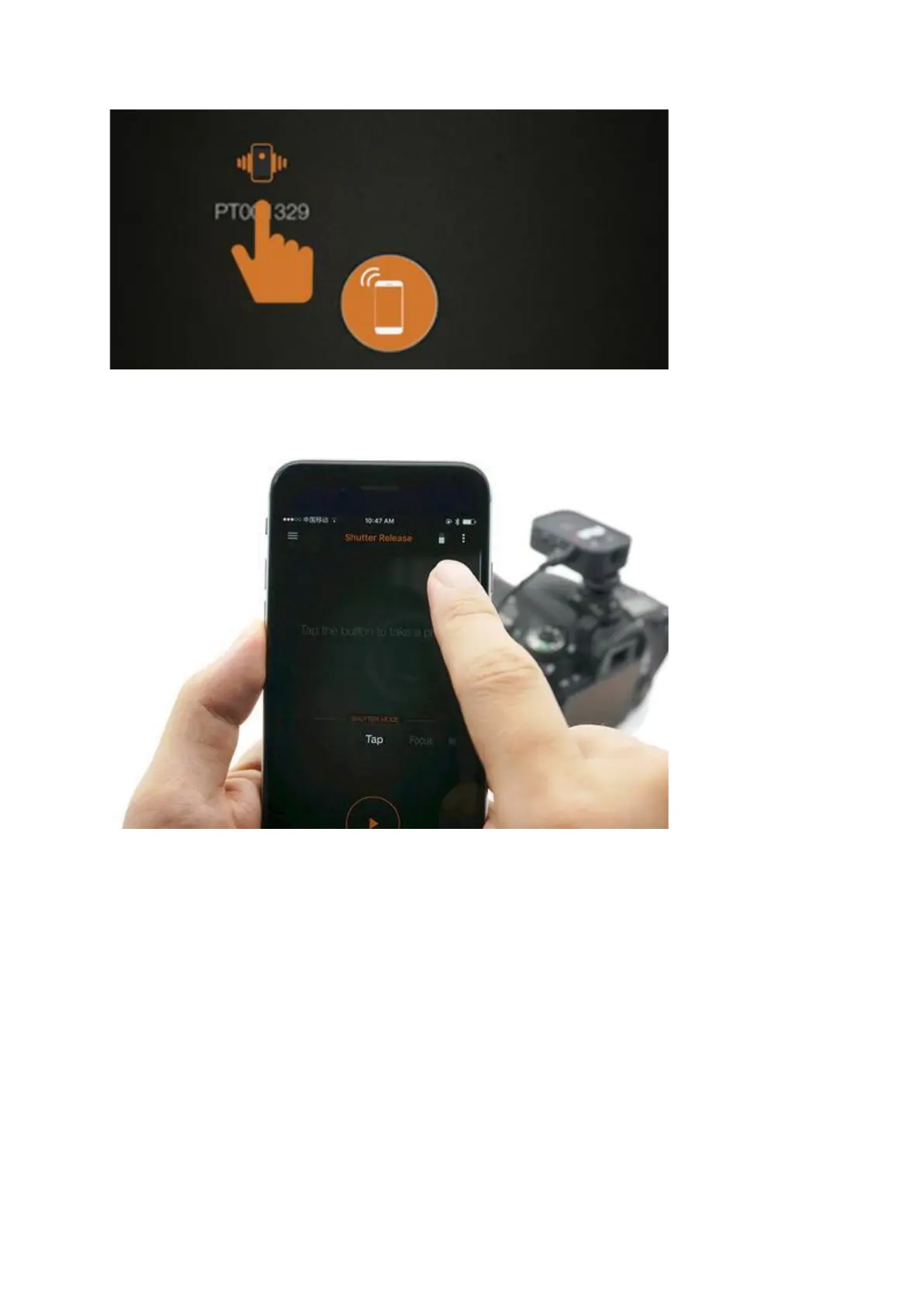
Click on the detected Pluto Trigger (i.e., the PT****** icon, not the phone icon in the center)
to establish a wireless connection.
Once connected, the Pluto Trigger's blue LED will blink once. The app will make a notification
sound. Navigate back to the main screen. The spinner will have been replaced by a battery
icon. This battery icon indicates the remaining battery on your Pluto Trigger.


 To Next Page