EasyManua.ls Logo

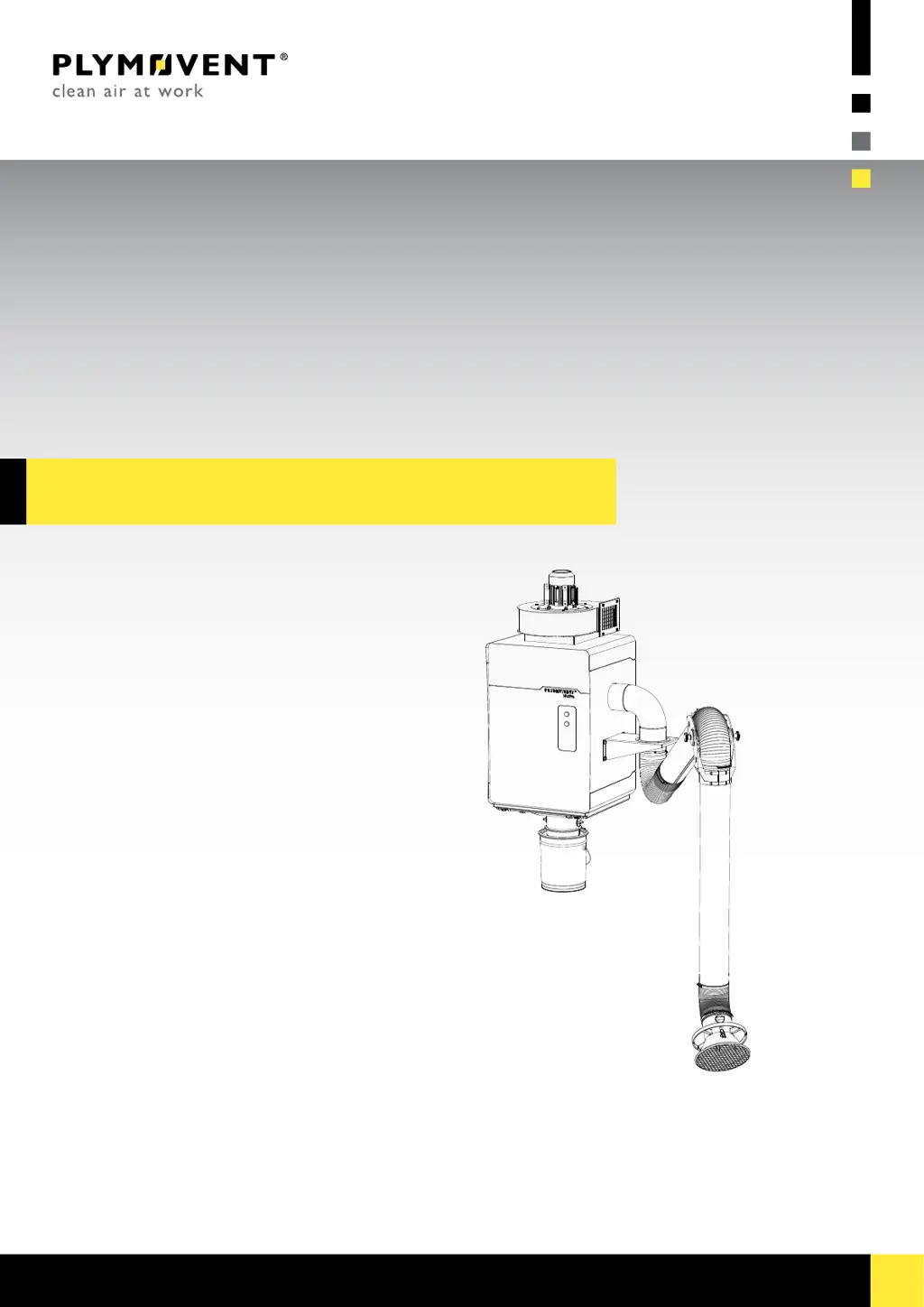
Plymovent WALLPRO - User Manual

Default Icon
29 pages
Print Icon
To Next Page IconTo Next Page
Loading...
www.plymovent.com
EN Stationarylterunit
EN Installationandusermanual
WALLPRO

Questions and Answers

  • B
    Brandy ButlerAug 3, 2025
    What to do if the red LED (FILTER CLOGGED) is on in my Plymovent WALLPRO?
    • K
      kerry41Aug 3, 2025
      If the red LED (FILTER CLOGGED) is illuminated, it could be due to several reasons. First, the pressure setting might be incorrect; ensure you set the correct threshold value. Second, check if compressed air is available and connect or repair the compressed air supply if needed. Lastly, a clogged filter cartridge could be the culprit, in which case you should replace it.
  • C
    Corey BellAug 12, 2025
    Why the fan does not start in my Plymovent WALLPRO Scrubber?
    • M
      Michael WernerAug 12, 2025
      If the fan isn't starting, several issues could be the cause. First, ensure the mains voltage is connected. If that's not the problem, check the mains cord for defects and repair or replace it if necessary. Also, inspect for loose contacts and repair them. The motor itself might be defective, requiring repair or replacement. Finally, the START/STOP FAN button (green) could be defective, and replacing it might solve the problem.
  • M
    matthew71Aug 22, 2025
    What to do if the red LED (FILTER CLOGGED) remains on, even after filter replacement in Plymovent WALLPRO?
    • S
      Sara GarciaAug 22, 2025
      If the red LED (FILTER CLOGGED) remains on even after replacing the filter, it's likely that the FILTER CLEANING button wasn't held long enough to reset the red LED. Push and hold the FILTER CLEANING button for 10 seconds.

Summary

1 INTRODUCTION

1.4.1 Filter Unit Specifications

Details specifications for the filter unit housing, capacity, and cartridge.

1.4.2 Extraction Arm Specifications

Lists specifications for different extraction arm models.

1.4.3 Fan Specifications

Provides specifications for the available fan types.

1.4.4 Control Box Specifications

Lists certifications for control box versions.

1.4.5 Unit Dimensions

Refers to figures for detailed unit dimensions.

1.5 Working Range

Refers to figures for working range details.

1.6 Ambient and Process Conditions

Specifies operating temperature and humidity limits.

3 SAFETY INSTRUCTIONS

3.1 General Safety

States manufacturer liability disclaimer and user responsibilities for safety.

3.2 User Manual Adherence

Instructions for personnel using or working with the manual.

3.3 User Responsibilities

Defines authorized users and general user conduct.

3.4 Intended Use

Specifies the product's designed purpose and limitations.

3.5 Technical Specifications Warning

Warning against modifying specified technical parameters.

3.6 Prohibited Modifications

Prohibits any modification of the product's parts.

3.7 Installation Requirements

States that installation is for authorized engineers only.

4 INSTALLATION

4.9.2 Pressure Setting for Filter Cleaning

Guides on setting the differential pressure switch for optimal filter cleaning.

4.11 Commissioning Checklist

A checklist to ensure correct installation and functionality before operation.

5 USE

5.3 Filter Cleaning System

Explains the different methods for activating the filter cleaning system.

6 MAINTENANCE

6.2 Filter Cartridge Replacement

Step-by-step guide for safely replacing the filter cartridge.

7 Troubleshooting

10 DISPOSAL

CE DECLARATION

Plymovent WALLPRO Specifications

General IconGeneral
BrandPlymovent
ModelWALLPRO
CategoryScrubber
LanguageEnglish