0.00.61
INTRODUCTION
ForSimulatorUseOnly DONOTDUPLICATE 01OCT08
PMDG MD-11
nose will move. The degrees of turn can be changed anytime
during pushback but the direction can only be changed if the
airplane is not yet within ~25m/80ft of the start of the turn.
• Pushback is initiated from the “*START” prompt. After the
pushback sequence has started, the prompt changes to
“*STOP” indicating that you can press the prompt again to
immediately stop the pushback sequence.
• During pushback the current distance covered and the current
angle turned are displayed on the screen in the respective
distance and turn prompts.
• There are 3 options for the ground/cockpit conversations
(toggled from the COMMS prompt):
Ö VOICE: Interact with the ground crew while hearing the
voice conversation and instructions.
Ö TEXT: Interactions are displayed as an FS message on the
green bar at the top of the screen.
Ö SKIP: No voice, no text, no waiting for any conversations,
parking brake is released/set automatically. This is used for
immediate pushback activation, in case you want to skip all
activities and move immediately into the pushback.
DOORS SYSTEM
We have modeled both the physical state of all doors (open or closed)
and the armed/disarmed state of the cabin doors.
The physical state of all doors can be observed on the 3D model, and
the armed/disarmed state of cabin doors can be verified through
EAD/SD alert messages.
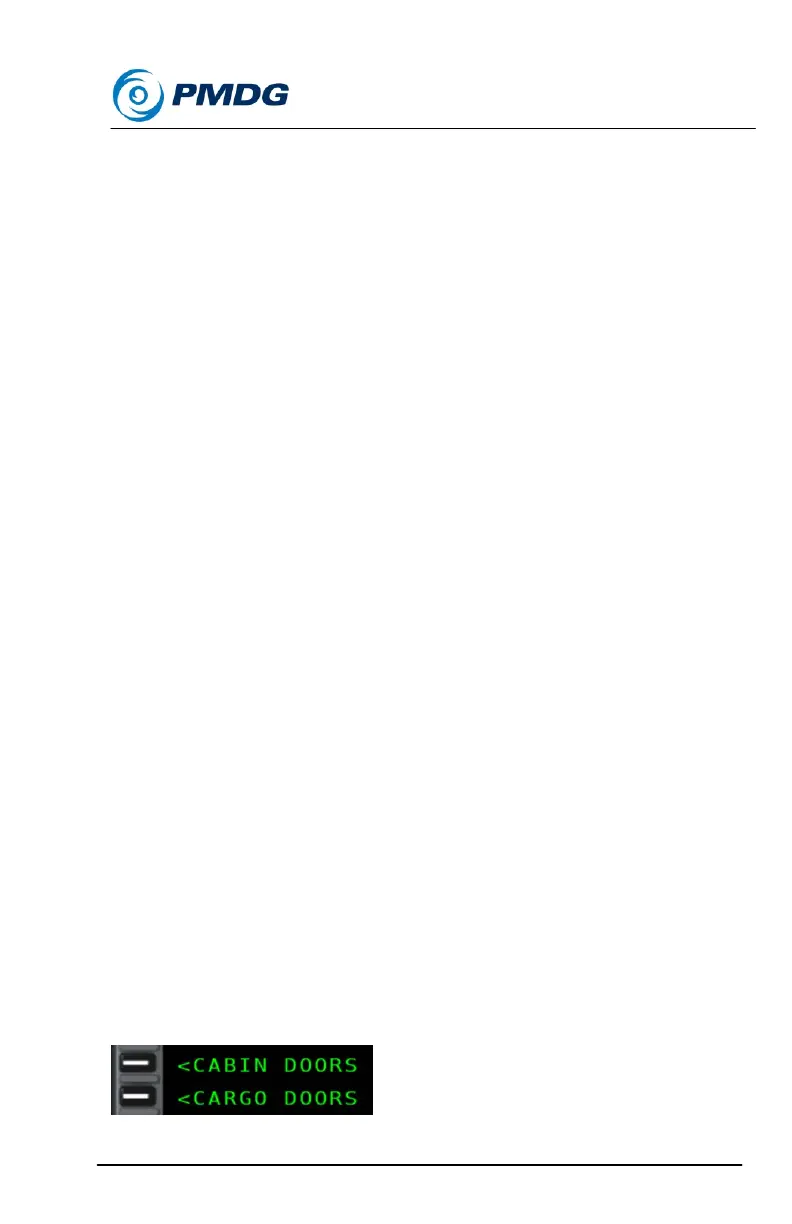
Cabin and Cargo doors can be operated either through keyboard
shortcuts from the PMDG menu, or through the CABIN DOORS and
CARGO DOORS submenus of the FS ACTIONS SHORCUTS menu.
The benefit of using this new MCDU based system is that you no longer
have to remember many different key commands in order to open and
close doors on the MD-11!


 To Next Page
 Loading...