0.00.68
INTRODUCTION
01OCT08 DONOTDUPLICATE ForSimulatorUseOnly
PMDG MD-11
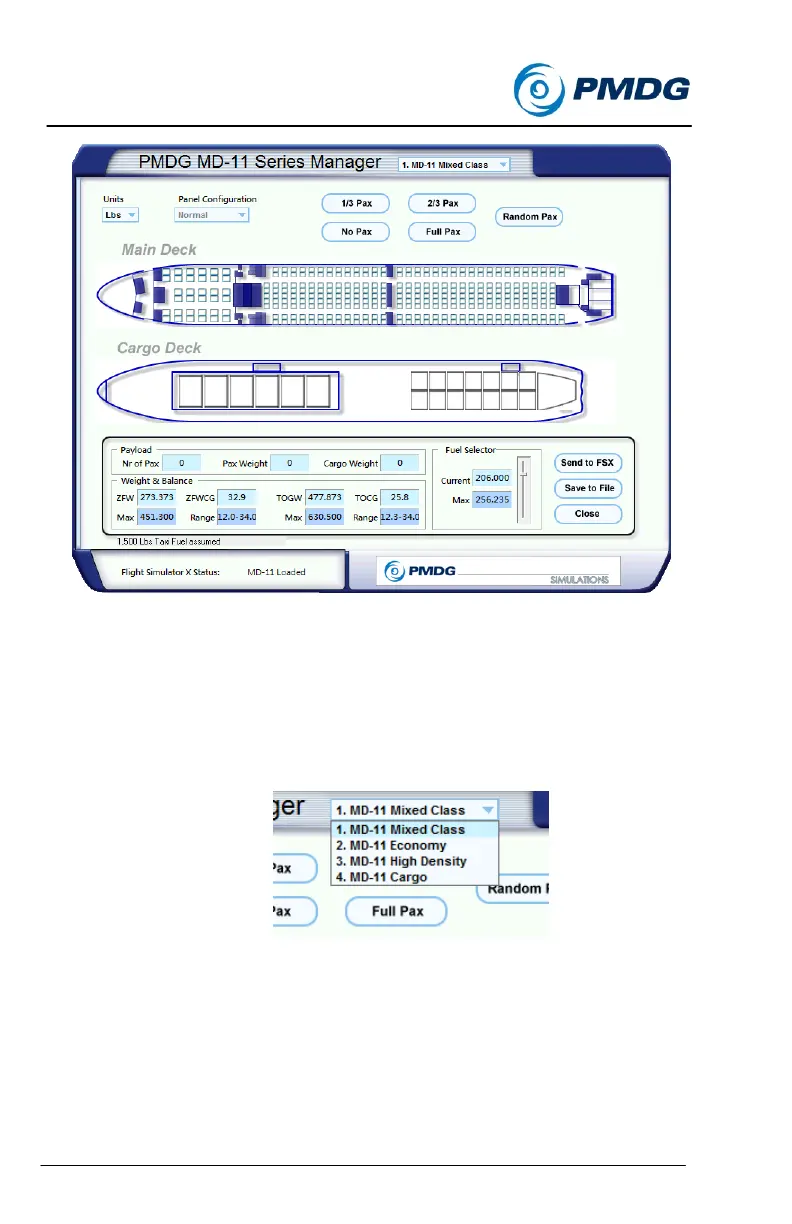
Using the Load Manager you can select whether your aircraft cabin is
configured as a Mixed Class airplane, an economy configured airplane, or
a High Density configuration containing narrower seat pitch and greater
seating capacity than a standard economy configuration. You may also
select the MD-11 Cargo variant for loading from this menu.
You can select your chosen configuration by using the pull down menu:
Once you have selected your desired cabin layout, you can fill the seats
on the airplane by clicking directly on the seats, or by selecting from pre-
configured loads.



 To Next Page