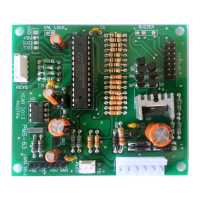
LoadCell Connections:
L1= Black
L2= Red
L3= White
L4= Green
Power Supply, Switch and Battery Connections:
P1 & P2= Input from Transformer
P3 & P4= Battery Connections
P5 & P6= Switch
LED Indicators:
OPERATIONS / SETTINGS
How to Change Firm Name:
Step 1: Hold MR Key and Power on the device
Step 2: UNLOC= Enter Master password (2013)
Step 3: PASWAD = Change Parameter setting password
Step 4: FNAME = Enter Farm name (6+6=12 char. Length of name)
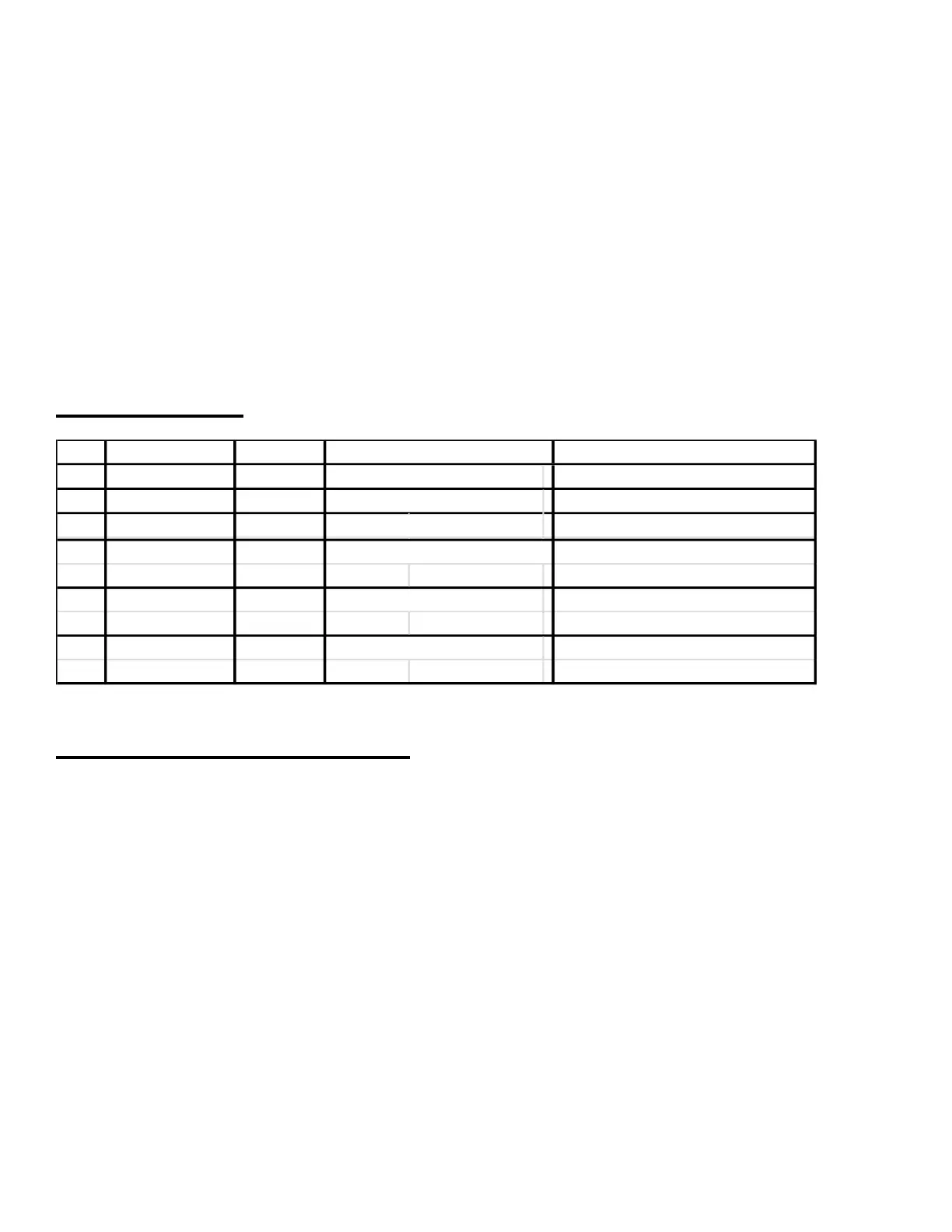
Green LED Red LED Remark
1 OFF ON Machine in OFF condition
2 Blinking ON Machine in ON condition
3 ON ON Machine in ON condition
4 Blinking OFF A/C power supply OFF
(ON time more)
5 Fast Blinking OFF battery voltage low
(buzzer beep)
6 Slow Blinking ON Battery NOT present or Machine in ON condition
faulty


 To Next Page
 Loading...