EN
4
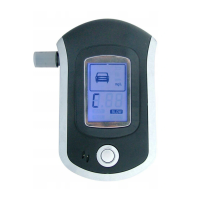
- Before starting the test, breath air deeply in your chest, then blow directly into the mouthpiece
when “C” is displayed on the screen. Stop blowing after you heard a short conrmation sound.
- After you have nished blowing, the symbol “ ” and the message “TEST” will appear on
the screen, which means the device calculates the concentration. Do not blow up the device
during measurement. After the concentration analysis is completed, the result will be displayed
on the screen. The result will be displayed on the screen for a few seconds, then the device will
automatically shut down.
Special warnings:
- Do not cause strong shocks to the device
- If the alcohol concentration in the test air is high, the device may not work normally
- If a test is performed while the battery level is low, the result may not be very accurate
- To ensure the correctness of the test result, wait 15 minutes after you have consumed alcohol
- If the device has not been used for a long time, the result of the rst test may be imprecise
- Do not blow directly into the appliance, especially if you are a smoker
- Clean the device periodically. Do not use scouring agents or solvents.
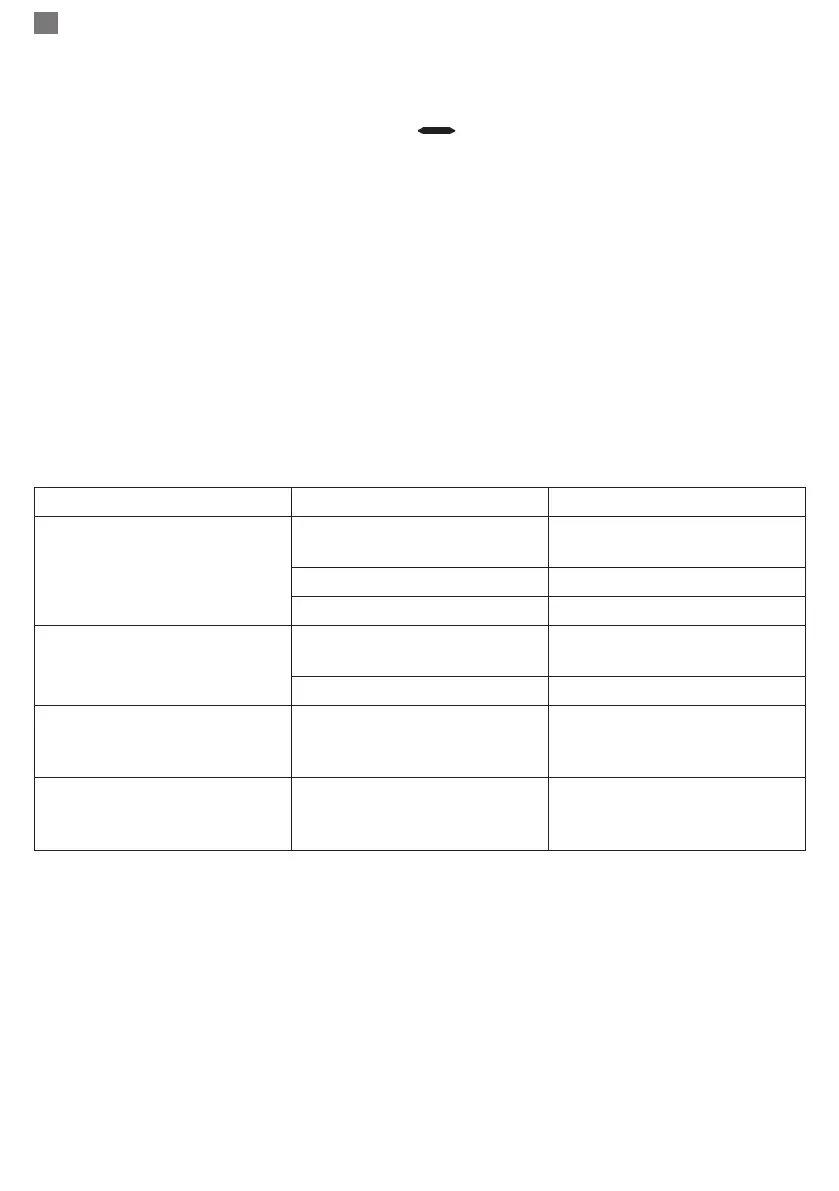
Troubleshooting:
Defect Possible cause Solution
The LCD does not display
anything
Battery installed incorrectly
Insert the batteries again,
respecting the polarity
Low battery Replace the batteries
Fired circuits Contact the seller
Lack of gas detection
response
The device is not yet warmed
up
Wait for the device to warm
up completely
Fired circuits Contact the seller
The “FFF” symbol appears
on the screen then the device
closes
Sensor error Contact the seller
The low battery icon appears
on the screen, then the device
closes
The batteries are very low Replace the batteries


 To Next Page
 Loading...