English 8 User manual
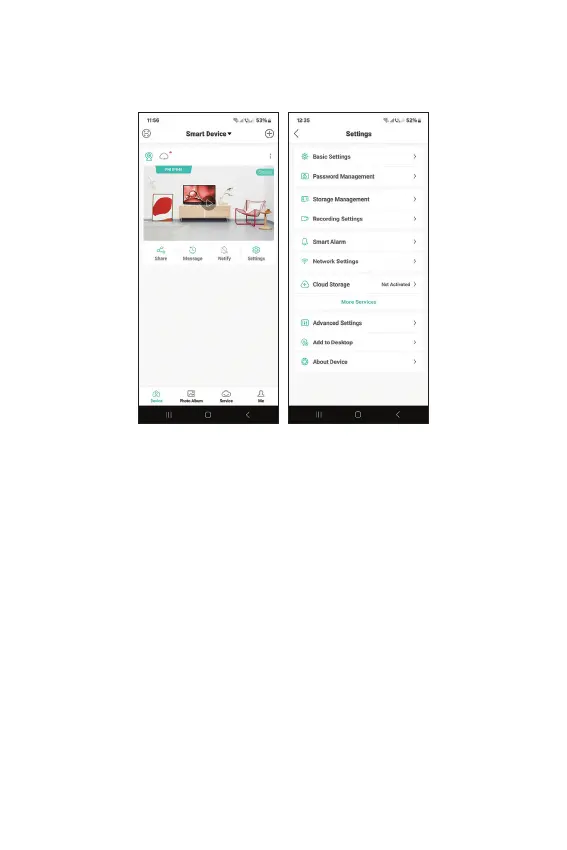
Advanced settings
Advanced camera settings:
Enable/disable alerts, rename the camera, select
the language, change the camera password, format
the micro SD card, set the recording mode, enable/
disable the human detection function, enable/disable
the motion tracking function, set the detection
sensitivity etc.



 To Next Page