User manual 9 English
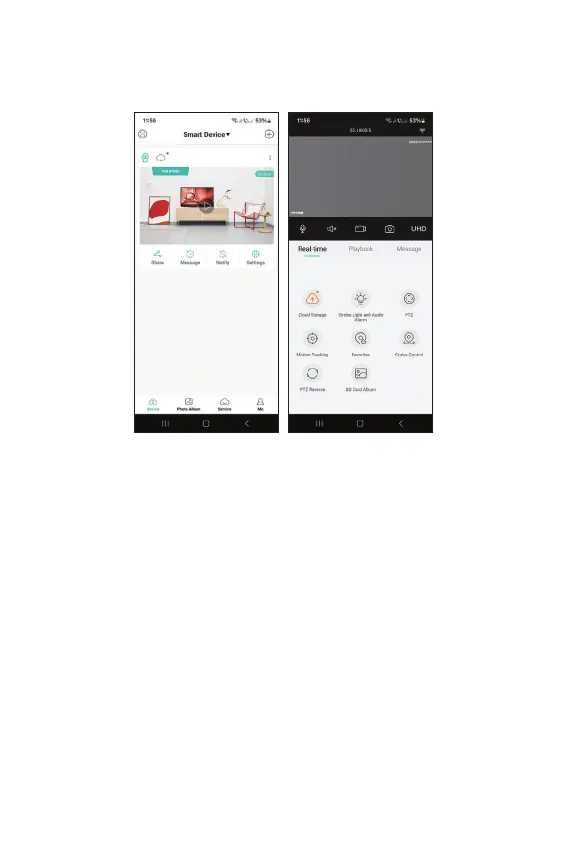
Settings available in the preview interface
This interface will allow you to:
Set the lighting mode (IR only, white light only or
both), control the PTZ, enable/disable and set the
motion detection and motion tracking functions
(note: these functions cannot be both active at the
same time), view recordings , real-time preview etc.



 To Next Page