32
5.4 Fixing the GPS Navigator with mounting kit:
5.5 Using Micro SD Card:
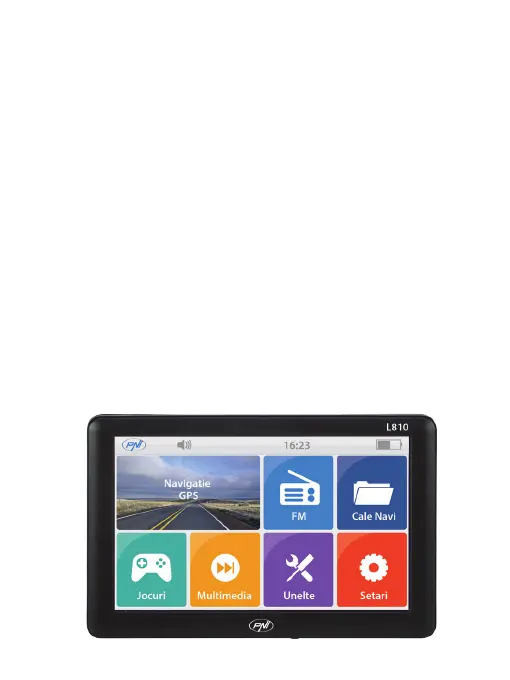
6. System main interface and major functions:
The mounting kit is composed of a back splint and a bracket. To
use the GPS navigator in an automobile, x it on the dashboard
under the front windshield.
Copy mapping applications, map data and media les in a Micro
SD card. Insert the card in the corresponding slot.
1. Do not take out the Micro SD card while an navigation program
is being run or a media le is being played.
2. To avoid drop or crash of the Micro SD card, do not exert heavy
pressure on it or bend it.
3. Avoid using or storing the Micro SD card in high temperature,
high humidity or direct sunlight.
4. Mind the direction while inserting the Micro SD card to avoid
damaging the slot or the card.
Long press the power key on the top side of the GPS navigator to
enter the system main interface shown below:


 To Next Page