31
Charging by Car Charger:
Plug one terminal of the car charger into the USB port on the left
side of the GPS navigator and the other to the charging port to
supply power and charge the GPS navigator.
[Note] Plug in the car charger after the automobile is started to
avoid damage due to current surge.
5.2 Powering On/O/ Sleep:
5.3 Restarting the system:
Press the power key on the top side of the GPS navigator for at
least two seconds to power it on.
[Note] Great humidity uctuation may lead to short circuit of the
GPS navigator. Power on the navigator after it has accommodated
to new environment.
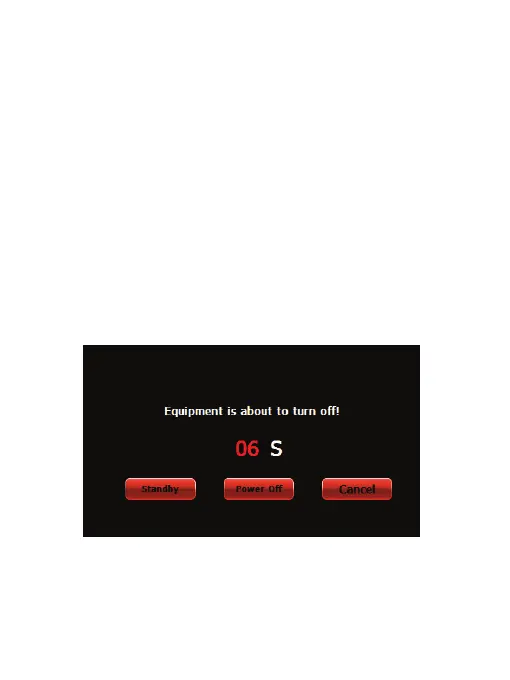
Long press the power key to power o the GPS navigator. The
following interface will be prompted:
When the system does not response, press the reset key on the
back of the GPS navigator to restart the system.
NOTE: Restarting the system by pressing the reset key will result
in loss of unsaved data. Please backup your data regularly.


 To Next Page
 Loading...