7 User manual
English
between the two units.
If you are unable to establish an automatic connection between the two units,
you can follow the manual procedure below:
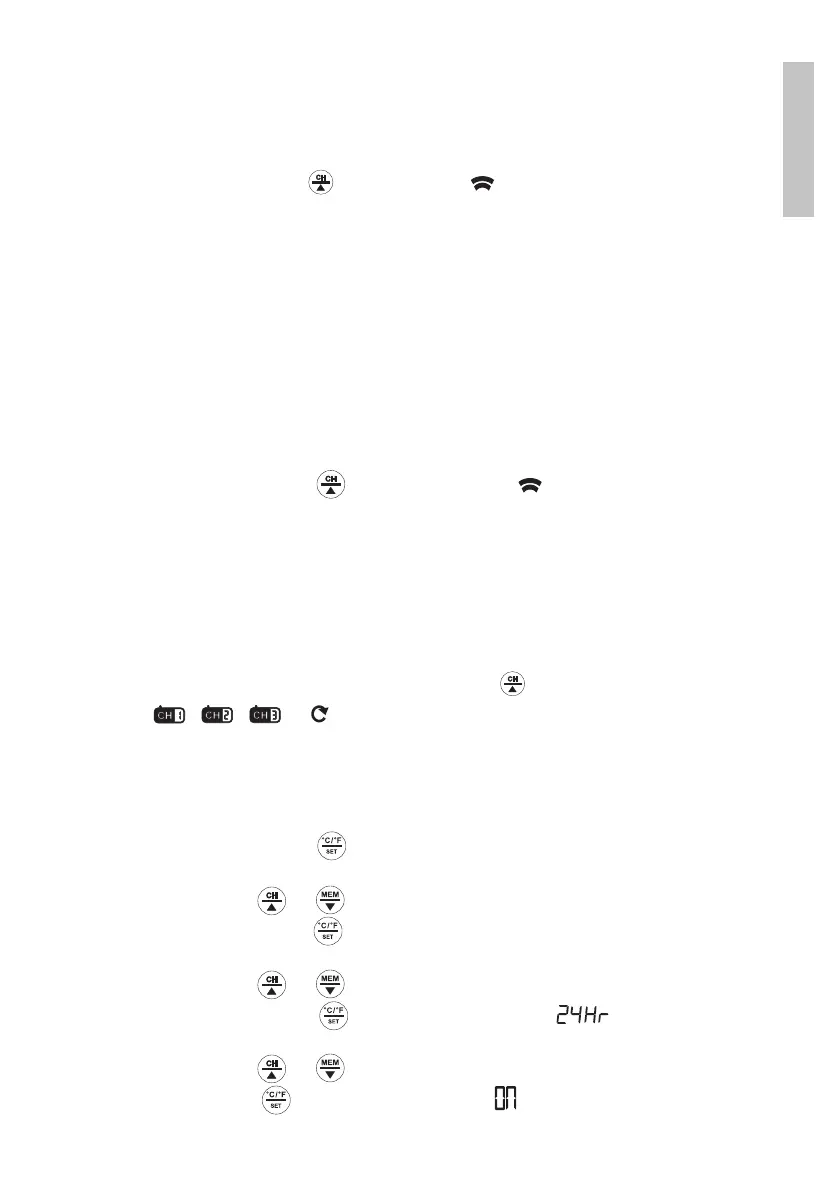
1. Hold down the button until the icon starts to blink.
2. Press the TX button on the outdoor sensor to transmit a radio signal to
the indoor unit.
Changing the communication channel
3 radio communication channels are available between the two units. Channel
1 is predefined.
» Open the battery compartment.
» Change the channel selector to one of the 3 positions.
» Hold down the button until the symbol flashes on the outdoor
sensor screen.
» Press the TX button on the outdoor sensor to transmit a radio signal to
the indoor unit.
The indoor unit will automatically display the new communication channel.
However, if this does not happen, you can manually change the communication
channel number. Press the button repeatedly to switch between the 3
channels: , , or (displays the 3 channels in the loop)
Time setting
1. Hold down the button for about 3 seconds. The time indicator will
flash on the screen.
2. Press the button or to reach the desired value.
3. Press again the button to confirm. The minute indicator will flash on
the screen.
4. Press the button or to reach the desired value.
5. Press again the button to confirm. The icon will flash on the
screen.
6. Press the button or to choose between 12 or 24 hour format.
7. Press the button to confirm. The icon will flash on the screen (it


 To Next Page
 Loading...