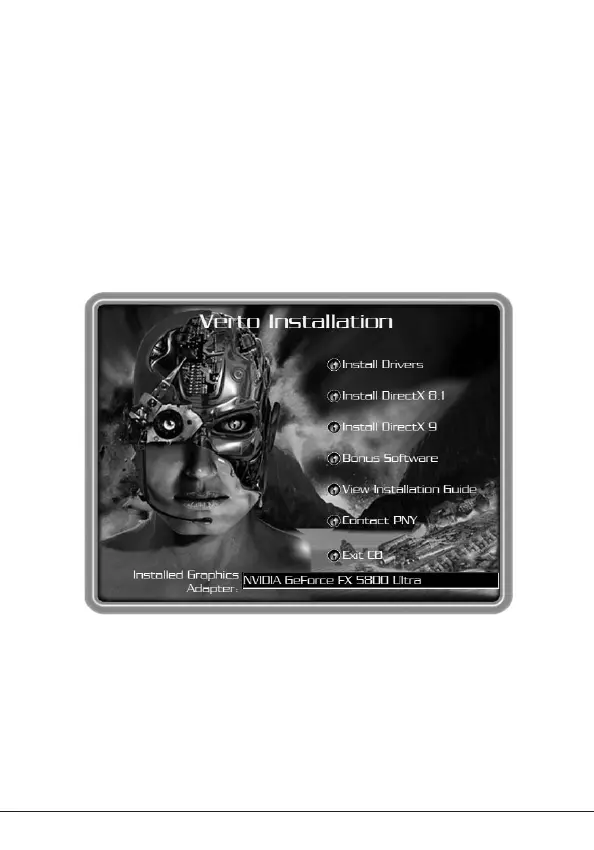
3. The ‘Auto-load’ install shield will appear as shown in Figure 5, click on
the Install DirectX
®
9 button.
a. If your CD-ROM drive is not auto-detect enabled, click the Start button
on the task bar and then select the Run button.
b. Type “D:\launch.exe” in the dialog box and hit enter (where D:\ is the
location of your CD-ROM drive).
c. The install shield will now appear. Proceed with step 3 above.
4. DirectX
®
9 will now be installed in your system, follow the instructions on
the screen to complete installation.
5. Your system will restart to complete the installation.
6. You may now proceed to Installing GeForce™ Drivers.
Figure 5: Verto Installation CD
8 - GIV 51-03 V1.5



 To Next Page