1. Check that the Pocket NC is is plugged in and is
powered on. The red LED on the E-stop button will
light up when the machine is on. The user interface is
ready to boot when the red LED starts blinking. It
takes 2 and half minutes to fully boot the Pocket NC.
2. The computer must be connected to the mini-USB port
on the mill not the standard USB port.
3. The mini USB may not be fully plugged into the
machine. The pocket is deep so the plastic around the
plug may have to be trimmed to fit.
4. The machine may not be fully booted. Wait 1 minute
after turning on the machine before trying to connect.
5. The user interface may not load properly in every
browser. Try using Chrome, Firefox, or Safari
6. Try rebooting the machine: power off the machine,
unplug all the cords, wait about a minute for the
capacitors to drain then plug it back in and restart.
7. You may need a different driver. Try downloading a
new driver from the Beagleboard website.
8. Contact the Pocket NC help desk or post of the Pocket
NC forum for help.
1. Check that the Pocket NC is plugged in and that the
power switch is on. The Pocket NC’s electronics can
run off computer power, but the motors can’t.
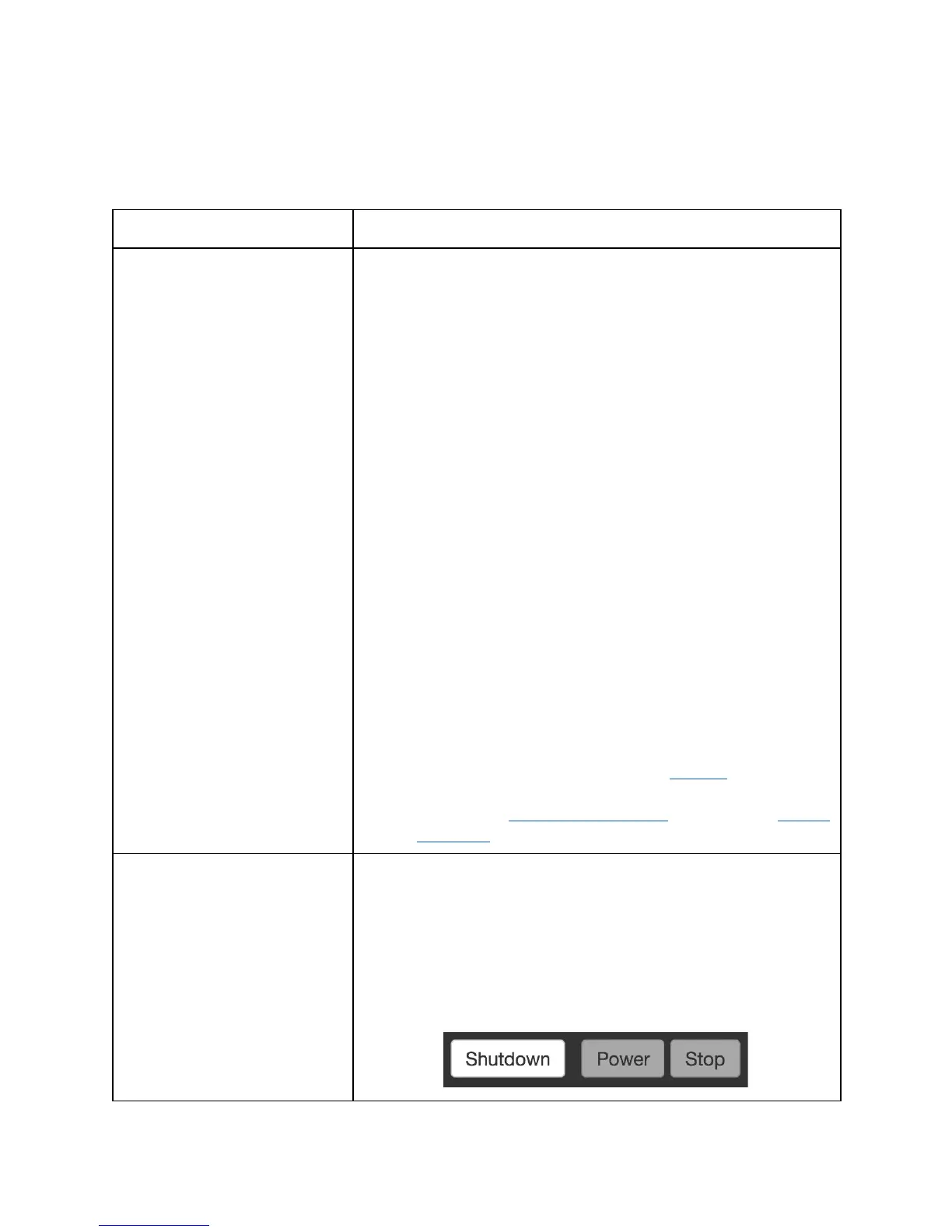
2. Make sure that the Pocket NC is not in E-stop mode.
When the machine is in E-stop the red button on the
machine will blink and the buttons in the upper right
corner of the user interface will be gray/white.



 To Next Page
 Loading...