English
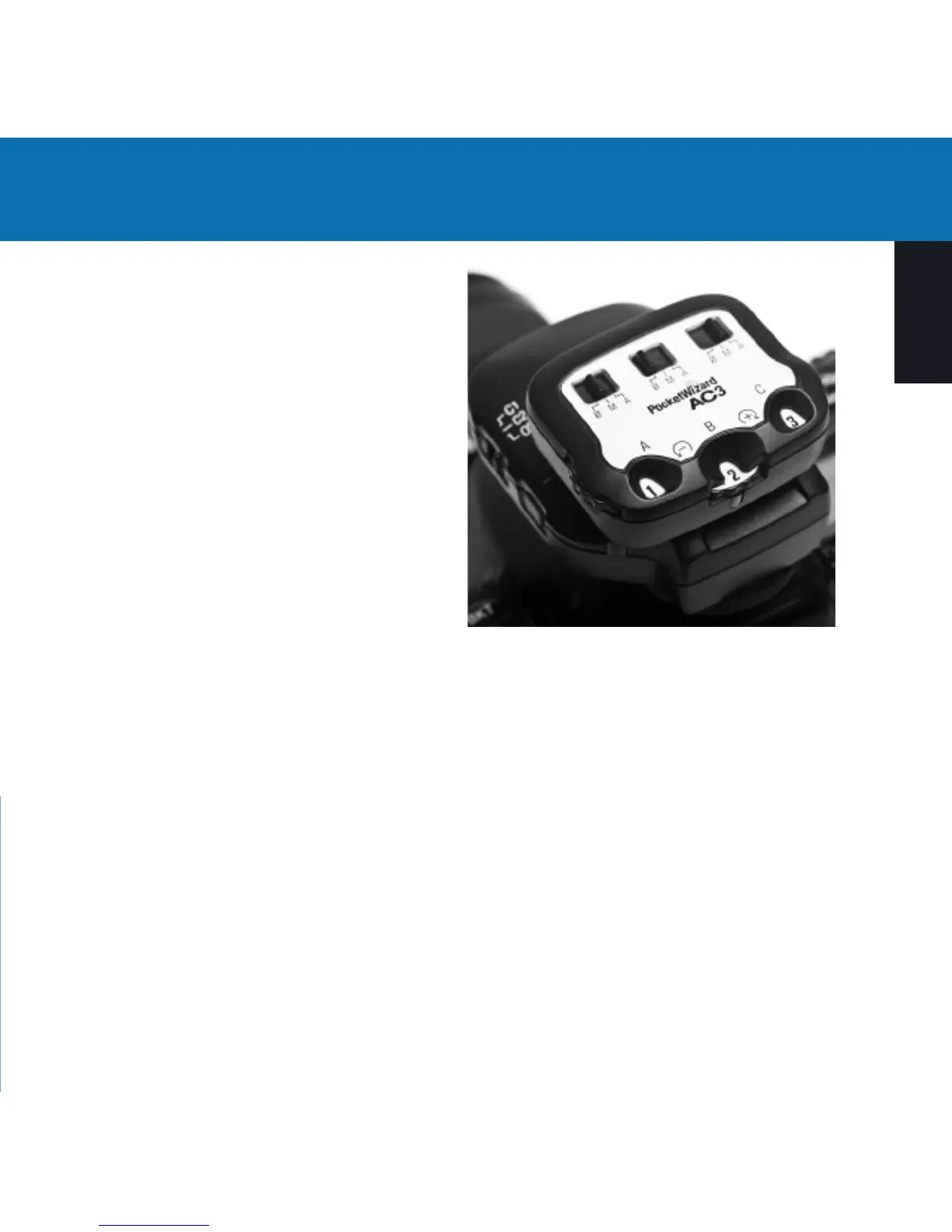
Power Dials
Sets the ash output power.
Mode Switches
0/ = OFF - Flashes will not trigger. Set
unused zones to 0/.
M = Manual Mode - ControlTL
compatible ashes will use the manual
power output value set on the AC3 Power
Dial. See the AC3 Manual Mode section for
more information.
A = Auto Mode - ControlTL compatible
ashes will use the Flash Exposure
Compensation (FEC) as set on the AC3 Power Dial. Nikon Speedlights will perform
i-TTL exposures. When compatible studio ashes are used, PowerTracking will
engage (see PowerTracking section in AC9 AlienBees Adapter, PowerST4 or
PowerMC2 Quick Guides for more information).
Release Button
Press the release button to remove the AC3 from your transmitter.
Status LED
The green Status LED blinks occasionally to indicate normal operation.
3



 To Next Page