READ ME FIRST:
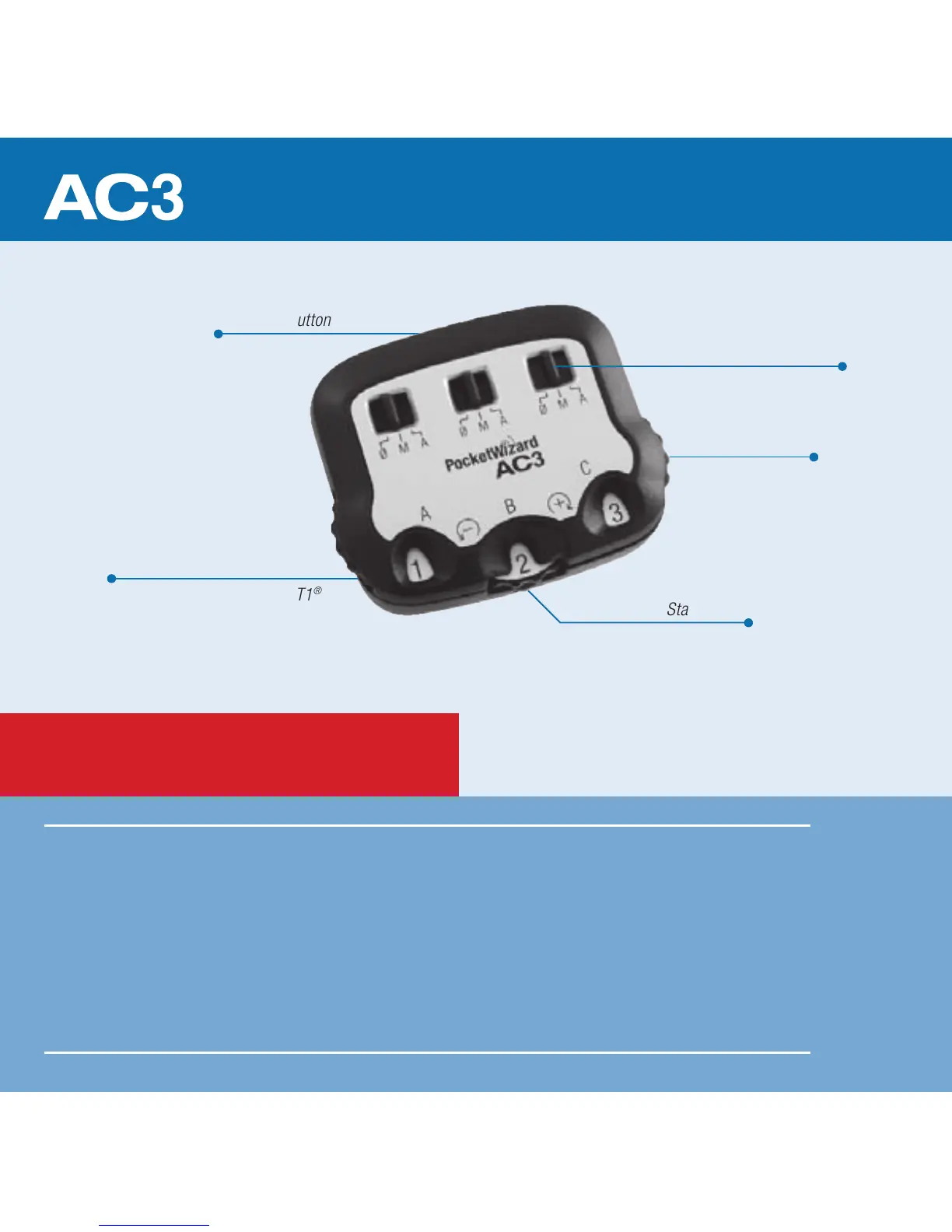
ZoneController
Nikon-style Hot Shoe
(for connecting to a MiniTT1
®
or FlexTT5
®
Nikon only)
Status LED
Power Dials
• All equipment should be turned OFF when connecting.
• The rst exposure after connecting is a calibration shot and may
not be properly exposed. Always test at least twice.
• Set all radios to the same channel.
• No batteries required – the AC3 is powered by the connected radio.
Release Button
Mode Switches



 To Next Page