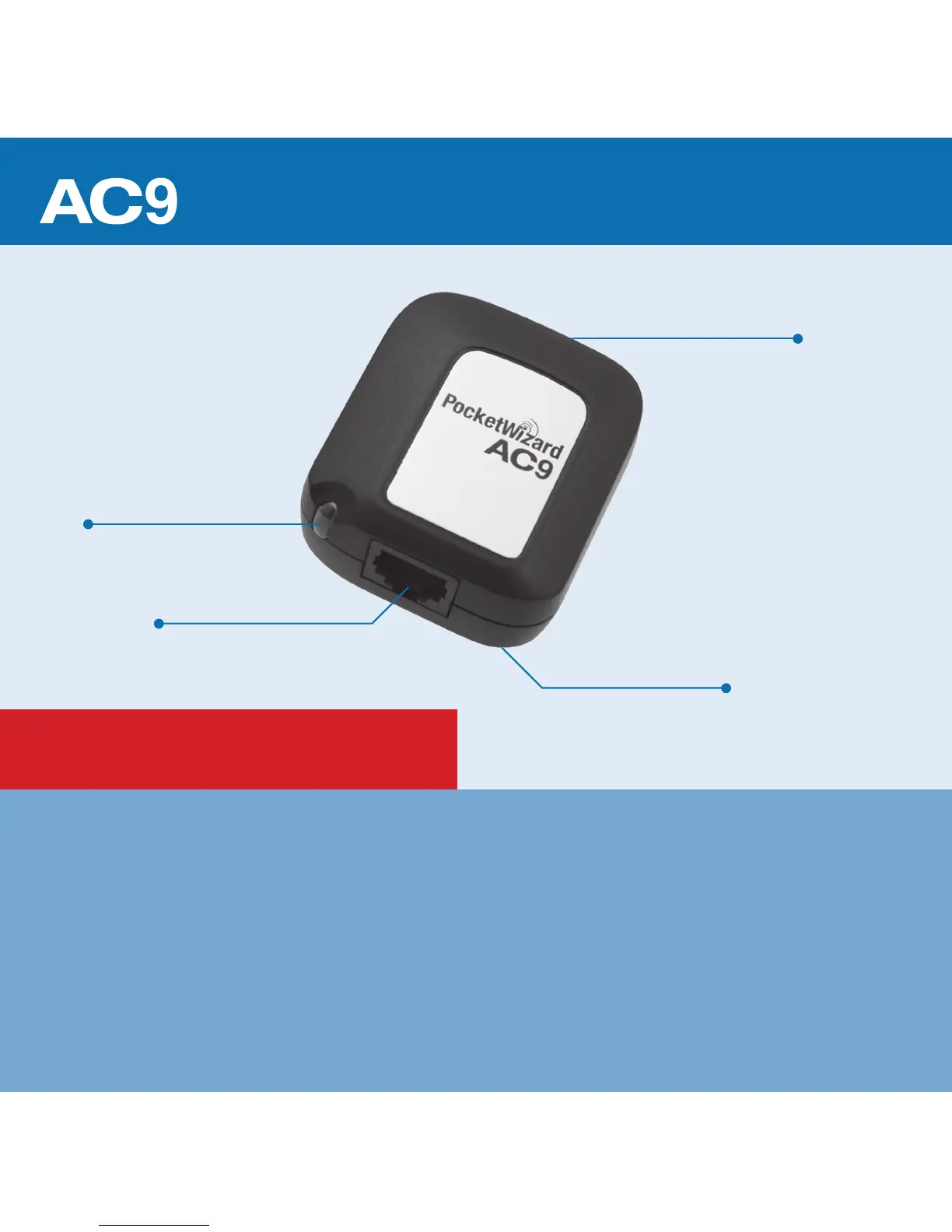
Release Button
UPDATE FIRMWARE: Update all of your ControlTL
®
radios to the latest rmware with the PocketWizard
®
Utility
before using.
All equipment should be turned OFF when making connections or unwanted triggering or other erratic
behavior may occur.
The rst exposure after making initial connections or powering on may not be properly exposed and
ash power levels may not be set as expected. Always test at least twice.
All information in this Quick Guide is subject to change. Visit www.PocketWizard.com/support to nd the
latest ash and features compatibility, Quick Guides, and Owner’s Manuals.
READ ME FIRST:
Canon or Nikon Hot Shoe
AlienBees Adapter
Status LED
REMOTE Port
* Make sure you have the appropriate AC9 hot
shoe: AC9-C with FlexTT5 for Canon
AC9-N with FlexTT5 for Nikon



 To Next Page