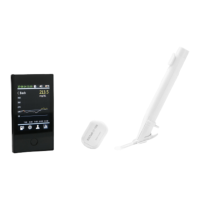
If you are at the end of the sensor period:
The system is programmed to collect data for up to 10 full days. Data collection automatically
ends when the 10-day period is complete.
If you need to remove the sensor before the end of the sensor period:
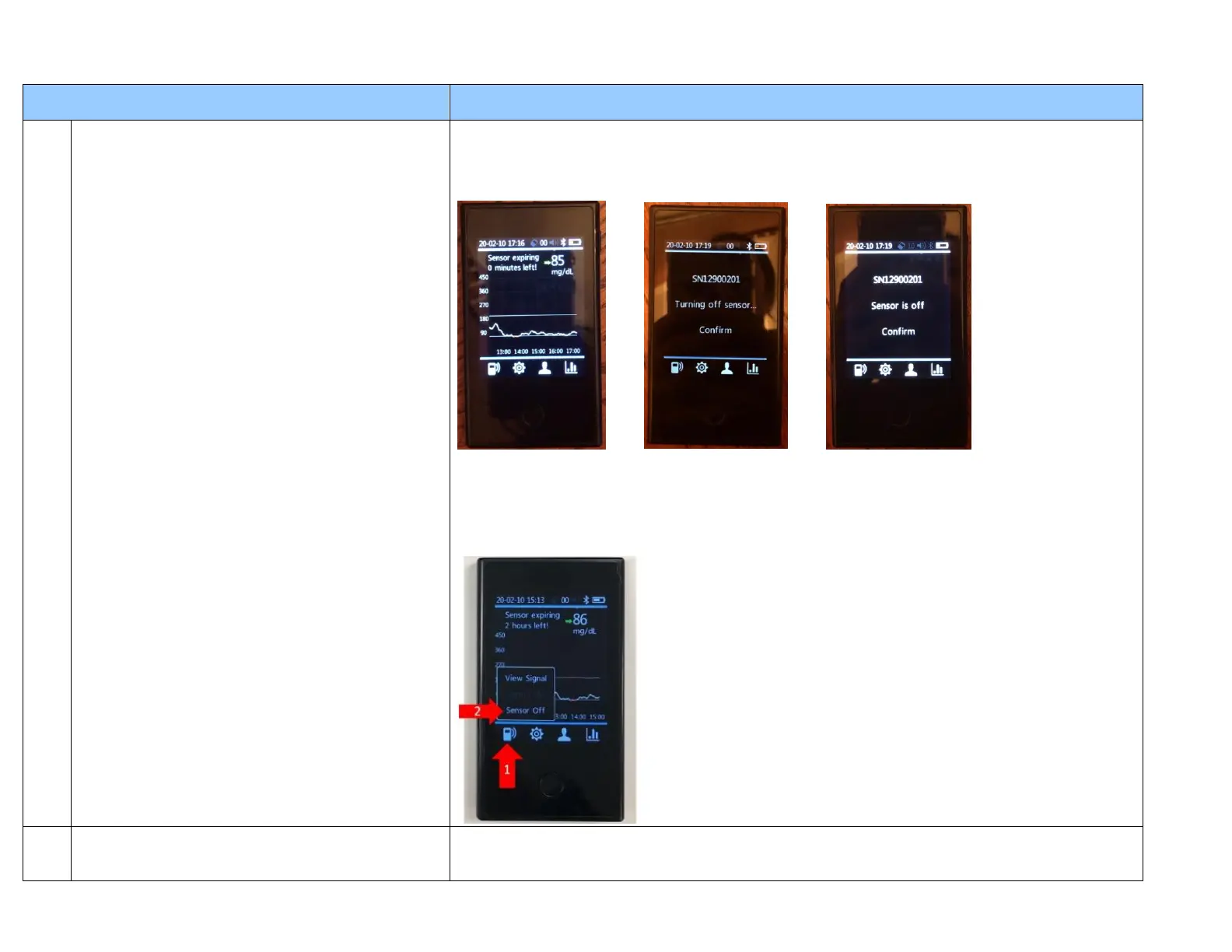
Turn off the sensor from the Sensor Menu by holding finger down on the sensor button on the
bottom left of the Receiver screen. Then select “Sensor Off” to disconnect the signal of the
Transmitter to the Receiver.
Remove the sensor together with the transmitter. When removing the
sensor from the skin, peel and lift the sensor base adhesive from one
edge and pull up it firmly until the entire sensor/transmitter assembly
is separated from the skin.
Remove the sensor together with the transmitter. When removing the sensor from the skin, peel
and lift the sensor base adhesive from one edge and pull up it firmly until the entire
sensor/transmitter assembly is separated from the skin.


 To Next Page
 Loading...