
 Need help?
Do you have a question about the POD X3 and is the answer not in the manual?
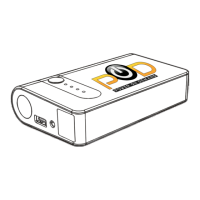
Details product components including ports, indicators, and accessories.
Explanation of how indicator lights display battery level and charging status.
Instructions for charging the device via AC adapter or car adapter.
Step-by-step guide for jump starting a 12V vehicle.
How to connect and charge external phones or tablets.
Essential safety instructions for operation, jump starting, and general use.
 General
| Amp Modeling | Yes |
|---|---|
| MIDI I/O | Yes |
| USB | Yes |
| Inputs | 1 x 1/4" Guitar Input, 1 x XLR Mic Input |
| Outputs | Headphone Output |

 To Next Page