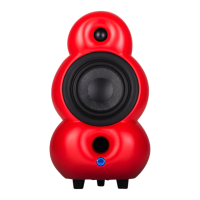
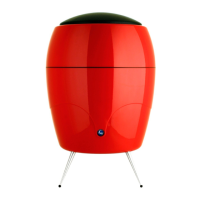
Press the
Auto Standby
If the MiniPod Bluetooth doesn’t receive any signal for 15 minutes it will
automatically enter standby mode.
Power On button to turn the MiniPod Bluetooth speakers back
on, after entering the standby mode.
Optical Input/USB Input
The Device support optical and USB input, optical input support sampling
rate 192KHz 24bt. USB Coding support sampling rate 48/44.1KHz/16bt
// 9


 To Next Page