Note:
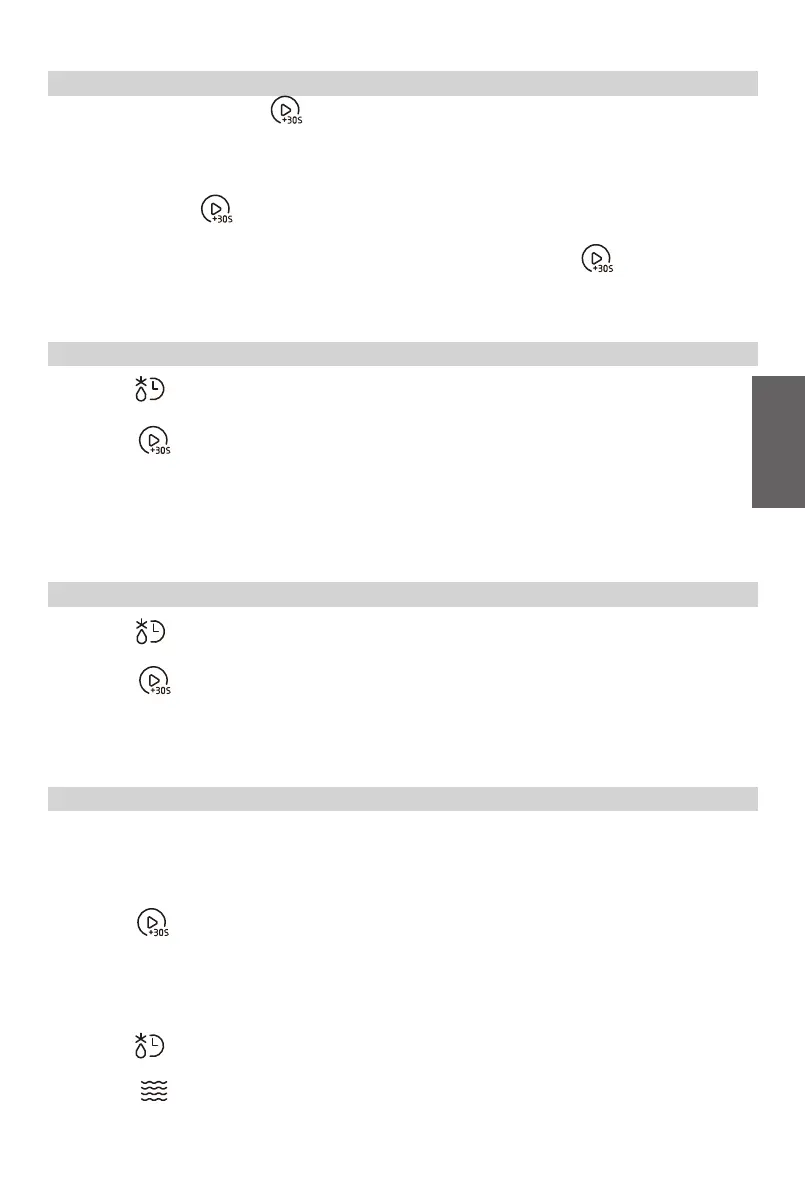
In cooking state and defrosting by time state, each one more press on “ ” can increase the
cooking time by 30 seconds (except for auto menu and defrost by weight).
17
GB
(1)
(2)
In standby mode, press “ ” to cook food with 100% power level for 30 seconds. Each
press on the same key can increase 30 seconds and the maximum time value is “95:00”.
In standby mode, turn the knob left to set a cooking time with 100% power.
Then continue to turn the knob to adjust the cooking time, and the maximum time value is
“95:00”. Press “ ” to start cooking.
4. Speedy Cooking
(1) Press “ ” once and then the screen will display “dEF1”.
(2) Turn the knob to set the weight of food. The range of weight is 100-2000g.
(3) Press “ ” to start defrosting.
Note:
The buzzer will sound to remind you to turn the food over during defrosting.
If no operation, the oven will continue working.
5. Defrost by Weight
(1) Press “ ” twice and then the screen will display “dEF2”.
(2) Turn the knob to set the desired defrost time. The maximum time value is “95:00”.
(3) Press “ ” to start defrosting.
Note: The defrost power is P30 and it cannot be changed.
6. Defrost by Time
Notes:
(1) Two cooking stages can be set in multi-stage cooking.
(2) If you set defrost function, it will work automatically in the first stage.
(3) Kitchen Timer, Auto menu cannot be set as one of the multi-stage.
(4) Press “ ” to increase cooking time during multi-stage cooking.
(except defrosting by weight.)
Example:
Defrost food for 5 minutes and then cook with 80% microwave power for 7 minutes.
(1) Press “ ” twice and then the screen will display “dEF2”.
(2) Turn the knob to set the desired defrost time of 5 minutes.
(3) Press “ ” and then “P100” will display.
7. Multi-Stage Cooking



 To Next Page