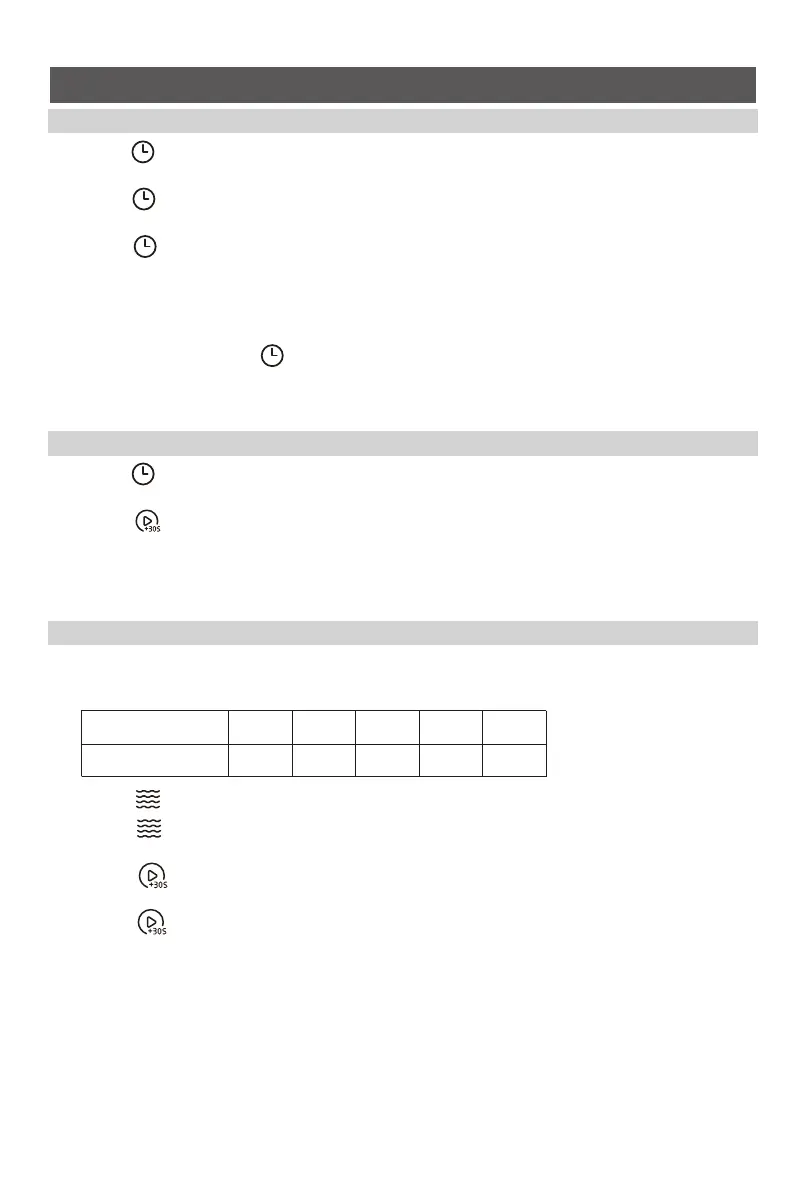
(1) Press “ ” once and then “00:00” will display.
(2) Turn the knob to set the desired time. The maximum time value is “95:00”.
(3) Press “ ” to confirm. The timer starts counting down.
Note: No program can’t be set during kitchen timer.
16
OPERATION
1. Setting the Clock
2. Setting the Kitchen Timer
3. Microwave Cooking
Power levels
Power Level
Display
100%
P100
80%
P80
50%
P50
30%
P30
10%
P10
(1) Press “ ” twice and then “0:00” will display.
(2) Turn the knob to set the hour, it should be within 0-23.
(3) Press “ ” to confirm.
(4) Turn the knob to set the minute , it should be within 0-59.
(5) Press “ ” to confirm. The clock is set.
Notes:
(1) To reset the clock, please repeat step 1 to step 5.
(2) The clock is a 24-hour diaplay. If the clock is not set, it would not work when powered.
(3) After the step 4, if the “ ” is not pressed or there is no operation within 1 minute, the
setting is invalid.
5 power levels are available.
(1) Press “ ” once and then “P100” will display.
(2) Press “ ” repeatedly or turn the knob to set the power level.
The 5 power levels are available.
(3) Press “ ” to confirm.
(4) Turn the knob to adjust the cooking time. The maximum time value is “95:00”.
(5) Press “ ” to start cooking.
Note: The step quantities for the adjustment time of the coding switch are as follow:
0---1 min : 5 seconds
1---5 min : 10 seconds
5---10 min : 30 seconds
10---30 min : 1 minute
30---95 min : 5 minutes



 To Next Page